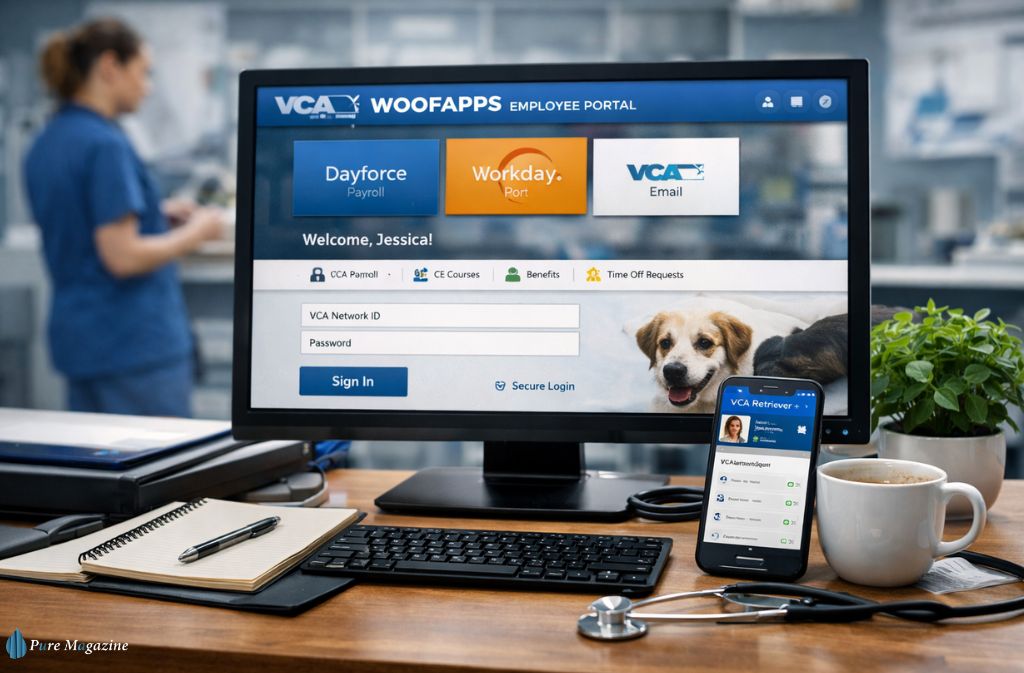
Hospitals rely on coordination. In veterinary medicine, that coordination extends beyond patient care to scheduling, payroll, training, and internal communication across hundreds of clinics. For employees at VCA Animal Hospitals, digital coordination occurs through the WoofApps platform.
Many people searching for the WoofApps login are looking to access their employee dashboard. Others want to understand what the platform does and how it integrates with systems such as Dayforce payroll, Workday HR tools, and Outlook email. Because WoofApps acts more like a gateway than a standalone application, the ecosystem can feel confusing at first—especially for new employees.
This guide explains everything clearly. You’ll learn what WoofApps is, how the login process works, how it connects to workplace systems, and how employees use it daily inside VCA clinics. We’ll also walk through troubleshooting tips, security features, and practical examples so you can navigate the platform with confidence in 2026.
What Is WoofApps?
WoofApps is the internal employee portal used by VCA Animal Hospitals, a large veterinary care network owned by Mars Veterinary Health.
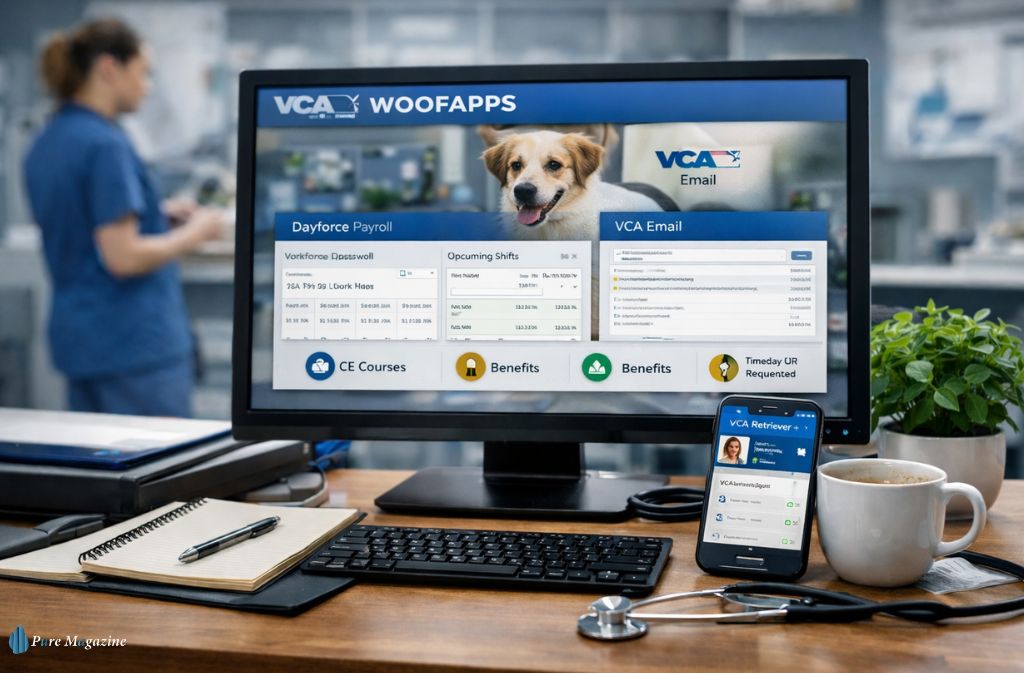
Instead of accessing separate workplace tools individually, employees log in to WoofApps to access multiple systems from a single dashboard. The portal serves as a single sign-on gateway for essential services used across the organization.
These typically include:
- Payroll and scheduling tools
- Human resources systems
- Corporate email
- Continuing education programs
- Internal communication channels
Think of WoofApps as the central doorway to the digital workplace used across VCA hospitals.
WoofApps Login: Quick Access Guide
Employees typically reach the portal through the official VCA network login page. The process is designed to keep employee data secure while still allowing quick access to daily tools.
Step-by-Step WoofApps Login
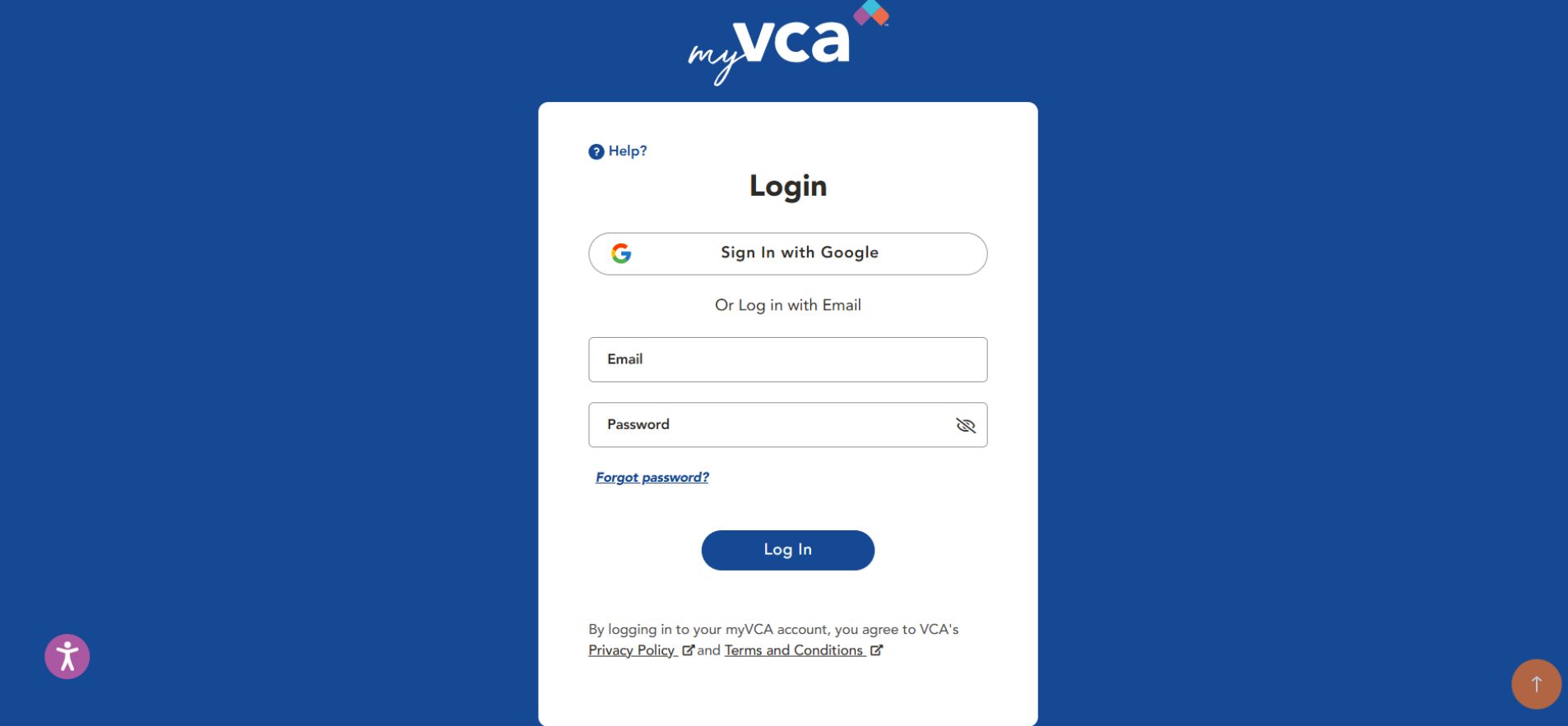

- Open the official WoofApps employee portal page.
- Enter your VCA network username.
- Input your password.
- Complete multi-factor authentication through the secure login system.
- Once verified, the dashboard displays tiles for tools like payroll, HR services, and email.
Most employees use the portal daily to access tools such as Dayforce for scheduling and payroll, or to access corporate email via Outlook.
If your login fails repeatedly, the issue is usually due to expired credentials or authentication verification issues, not the platform itself.
How WoofApps Fits Into the VCA Technology Ecosystem
A major reason employees feel confused about WoofApps is that the portal itself doesn’t host most services directly. Instead, it connects to specialized systems that handle different workplace tasks.
Below is a simplified overview of how the platform works.
| Platform | Function | Relationship to WoofApps |
|---|---|---|
| Dayforce | Payroll, scheduling, time tracking | Accessed through the portal |
| Workday | HR resources and employee records | Integrated system |
| Outlook | Corporate email | Connected communication tool |
| Identity verification systems | Secure login authentication | Protects account access |
Instead of remembering multiple logins, employees use WoofApps to access all these tools through a single secure entry point.
Key Features of WoofApps
Although WoofApps primarily functions as a gateway, the portal still provides several important capabilities that help veterinary teams stay organized and connected.
Centralized Workplace Access
The biggest advantage of WoofApps is centralization. Rather than navigating multiple URLs or apps, employees can reach all major workplace tools from one dashboard.
For busy clinics, this eliminates unnecessary friction during the workday.
Payroll and Schedule Management
Through payroll integrations, employees can:
- View work schedules
- Track time entries
- Access pay stubs
- Manage time-off requests
For veterinary staff working rotating shifts or emergency schedules, having this information in one place is especially useful.
Employee Communication
Internal communication remains essential in healthcare settings. Through the portal, employees can access corporate email and internal announcements.
This allows staff members across different clinics to stay aligned with organizational updates and policy changes.
HR and Benefits Access
HR systems connected through the portal allow employees to manage their professional records.
Common tasks include:
- Updating personal details
- Reviewing benefits information
- Checking employment records
- Accessing internal job postings
These tools help employees manage career and administrative needs without contacting HR directly.
Training and Continuing Education
Veterinary professionals frequently complete continuing education to maintain certifications and improve clinical knowledge.
Through the portal, employees can access:
- Compliance training modules
- Professional development resources
- Continuing education materials
This ensures staff members remain aligned with modern veterinary standards.
Also check: Vetter Software Login (DaySmart Vet 2026): Official Portal, Fixes & Security Guide
A Real-World Example: How Employees Use WoofApps
Understanding the system is easier when you picture how employees interact with it on a typical day.
Consider a veterinary technician starting their shift.
They might log in to WoofApps and:
- Check the upcoming schedule in the payroll system.
- Open email to review clinic updates.
- Complete a short training module required for compliance.
- Submit a time-off request through the HR portal.
Instead of switching between multiple platforms, everything begins in one place—the WoofApps dashboard.
WoofApps vs Other Workplace Platforms
Employees often confuse WoofApps with the tools it connects to. In reality, the platform acts as the gateway.
| Platform | Primary Purpose | How It Relates to WoofApps |
|---|---|---|
| WoofApps | Employee portal | Starting point for workplace tools |
| Payroll systems | Payroll and scheduling | Accessed through the portal |
| HR platforms | Benefits and records | Connected system |
| Corporate email | Internal communication | Integrated service |
Understanding this distinction makes the system easier to navigate.
Common WoofApps Login Problems (And How to Fix Them)
Even well-designed workplace portals can occasionally cause login frustration. Fortunately, most problems have simple solutions.
Redirect Loop During Login
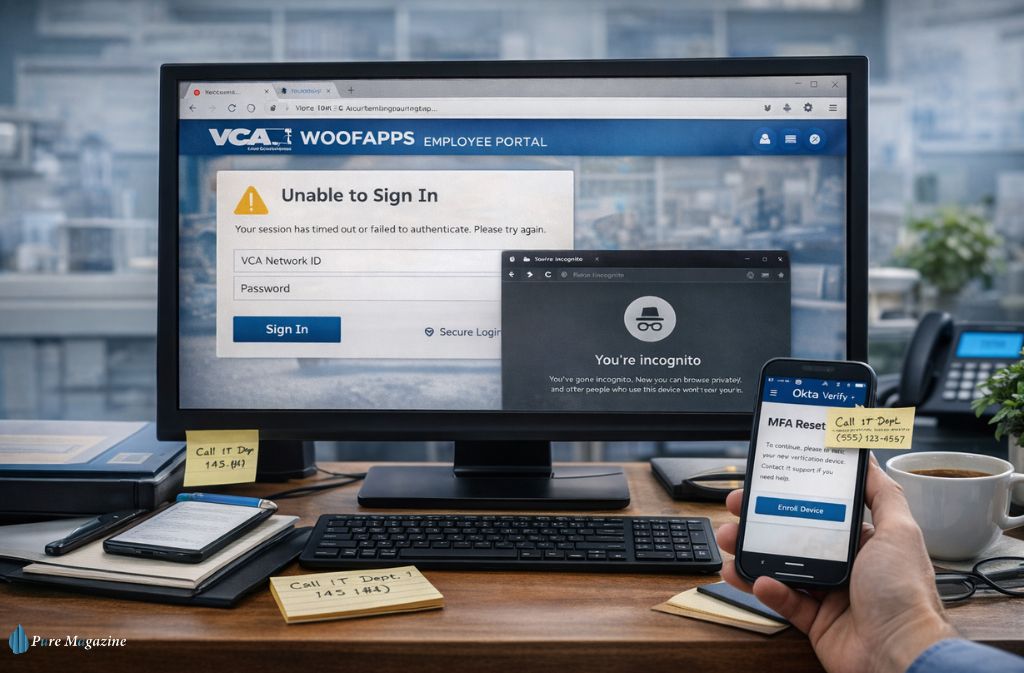
If the login page repeatedly refreshes or displays a “redirecting” message, the issue is often due to browser cookies.
Opening the portal in an incognito or private browsing window often resolves the issue.
Authentication Verification Fails
If multi-factor authentication doesn’t work correctly, verify that your verification device is connected and can receive prompts.
Sometimes simply restarting the authentication app fixes the issue.
Lost Access to Authentication Device
Employees occasionally change phones and lose access to the verification device.
In this case, the solution is straightforward:
- Contact your organization’s IT support desk.
- Request a multi-factor authentication reset.
- Register your new device for verification.
Once re-enrolled, login access should return immediately.
Expired Network Credentials
Corporate accounts often require periodic password changes. If login suddenly stops working, updating your network password typically resolves the issue.
Can You Use WoofApps on Mobile?
Many employees ask whether WoofApps exists as a dedicated mobile app.
The portal itself is typically accessed through a web browser rather than a standalone application. However, several connected services offer their own mobile apps.
Employees sometimes install these apps individually while still using WoofApps as the main access hub.
Common mobile access methods include:
- Opening the portal in a mobile browser
- Bookmarking the login page for quick access
- Using individual workplace apps linked to the portal
This approach allows staff to manage schedules or communications even while away from a desktop computer.
Security and Modern Workplace Systems
Large healthcare organizations must protect employee and client data. As a result, platforms like WoofApps rely on modern cybersecurity practices, such as multi-factor authentication and secure login verification.
These systems ensure that:
- Only authorized employees can access sensitive systems
- Login attempts from unfamiliar devices trigger additional verification
- Internal data remains protected across the network
Although these steps may occasionally slow down the login process, they play a critical role in protecting organizational systems.
Quick WoofApps Access Checklist
Before attempting to log in, make sure you have the following ready:
- Your VCA network username
- Your current password
- Access to your authentication device
- An updated browser
Having these items prepared helps prevent most login issues.
Frequently Asked Questions
Q. What is WoofApps used for?
WoofApps is an internal employee portal that provides VCA Animal Hospitals staff with access to workplace tools, including payroll systems, HR resources, internal communication platforms, and training materials.
Q. How do I access the WoofApps login?
Employees can access the portal via the official VCA employee login page, using their network username and password, then complete multi-factor authentication.
Q. Is WoofApps the same as payroll systems?
No. WoofApps is a gateway portal, while payroll systems operate as separate platforms accessed through the portal.
Q. Can I use WoofApps outside the hospital network?
Yes. Employees can typically access the portal remotely, although additional authentication steps may be required for security.
Q. Why does the WoofApps login page keep redirecting?
This issue often occurs due to browser cookies or expired authentication sessions. Opening the portal in a private browser window or clearing cookies usually resolves it.
Conclusion
Modern veterinary networks rely heavily on digital systems to manage schedules, communication, payroll, and training across multiple clinics. WoofApps plays a central role in keeping those systems connected for VCA Animal Hospitals employees.
Instead of functioning as a traditional software platform, WoofApps works as a secure gateway to essential workplace tools. With a single login, employees can access payroll systems, HR resources, email services, and training programs.
Three key takeaways summarize the platform’s role:
- WoofApps acts as the central access hub for employee systems.
- It connects multiple workplace tools through a single secure login.
- The portal simplifies daily workflows for veterinary staff across the organization.
As workplace technology continues evolving, centralized platforms like WoofApps will remain essential for keeping large healthcare networks organized and efficient.
Related: Nourish Care Login 2026: Portal, App & Empower Access