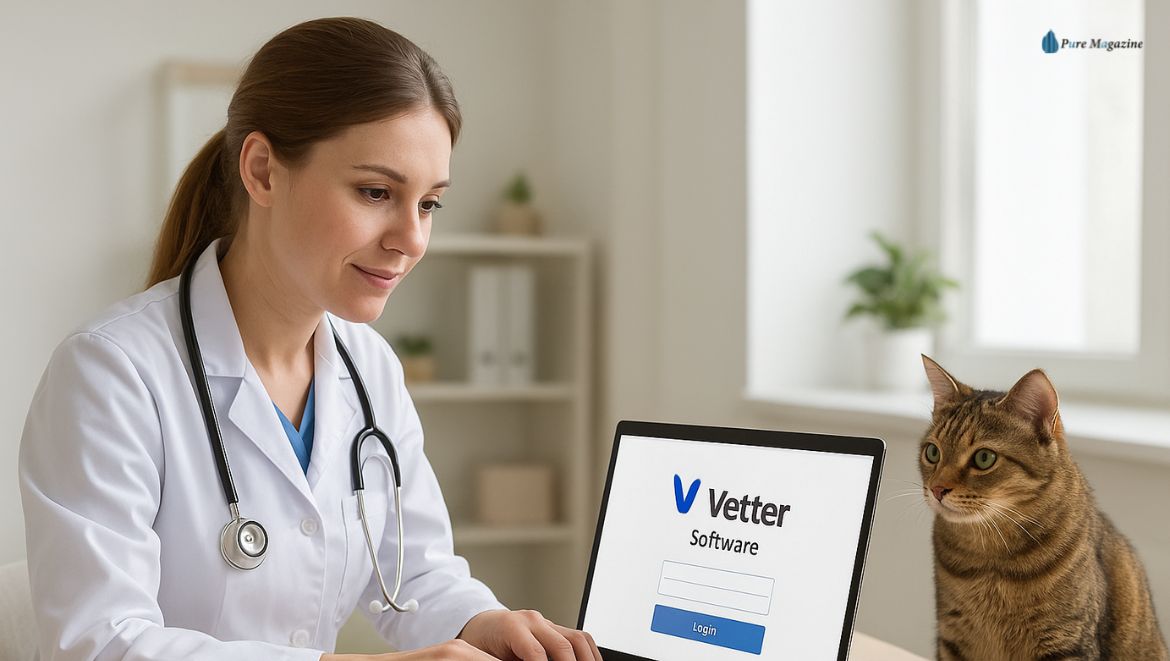
The clinic lights flicker on. A few meows echo from the back. Someone’s balancing a coffee cup in one hand and clicking through the computer with the other. Before the first appointment walks through the door, there’s one ritual everyone knows — logging in to Vetter Software.
That one login? It’s the quiet start to every busy day. It connects every vet, every assistant, and every patient record into one simple system that keeps things moving.
But if you’ve tried to log in lately and found yourself staring at a spinning wheel or a “redirecting to DaySmart” message — you’re not alone. The platform’s evolved, and a few new steps can make things smoother.
So, here’s the real-world 2025 guide to understanding your Vetter Software login, troubleshooting problems, and getting the most out of the system that powers modern veterinary care.
What Exactly Is Vetter Software?
If you’ve worked in a clinic, you already know how messy things can get — Post-it notes on monitors, client calls piling up, paper charts that somehow vanish the moment you need them.
That’s where Vetter Software comes in.
It’s a cloud-based veterinary management system built to make clinics run like clockwork. It keeps everything — appointments, invoices, lab results, reminders — right where they should be: online, synced, and secure.
Here’s what it helps you handle:
- Scheduling – organize appointments without the chaos.
- Medical records – everything from vaccinations to x-rays in one digital file.
- Billing and payments – process, track, and automate.
- Client communication – text or email reminders that keep pet owners in the loop.
A few years ago, DaySmart acquired Vetter Software, bringing more features and a fresher interface under a single brand: DaySmart Vet.
So yes — when you see daysmartpet.com during login, it’s still the same system, just upgraded and rebranded. Think of it as Vetter 2.0 — smarter, faster, and built for the way modern clinics actually work.
How to Log In to Vetter Software (Without the Guesswork)
Let’s skip the fluff and get straight to it.
Here’s how to log in — and where to do it safely.
Official Login Links
Always use these verified URLs (bookmark them — trust us, it’ll save headaches later):
- 👉 https://petcare.vettersoftware.com/
- 👉 https://online.daysmartpet.com/
- 👉 https://cloud.daysmartpet.com/
If your clinic recently moved to DaySmart Vet, the old Vetter link might redirect automatically. That’s expected — both run on the same secure cloud system now.
Login Steps
- Head to one of the portals above.
- Type in your email or username.
- Enter your password (yes, it’s case-sensitive).
- Hit Sign In.
Done right, you’ll land on your main dashboard — where appointments, client details, and billing live side by side.
| Pro tip: Save your login link as a browser favorite and enable autofill (just make sure the device is secure). |
Mobile Access
Vets rarely sit still. If you’re on rounds or checking in after hours, the DaySmart Vet mobile app (on iOS or Android) keeps everything synced. You can review charts, confirm appointments, or check medication notes — even from the parking lot.
When the Login Fights Back: Fixing Common Problems
Let’s be honest: no software works perfectly 24/7. Sometimes logins fail, pages hang, or passwords vanish into the void. Here’s a quick breakdown of the most common Vetter Software login issues — and how to fix them without waiting for IT.
| Problem | Why It Happens | What to Do |
| Forgot password | Credentials expired or mistyped | Click Forgot Password? and reset through email. |
| Wrong username/email | Old staff email or admin change | Check with your practice manager for the current login email. |
| Account locked | Too many login attempts | Wait 15 minutes or contact DaySmart support to unlock. |
| Page not loading | Cache or an outdated browser | Clear cookies or switch to Chrome/Edge private mode. |
| Session timed out | Idle too long | Refresh and log back in. |
| Redirect loop | Using an old bookmark | Use https://online.daysmartpet.com instead. |
If all else fails, restart your browser or check Wi-Fi permissions — sometimes clinic firewalls block secure connections.
Need setup help? Check the DaySmart Vet Account Configuration Guide. It’s short, visual, and made for new users.
The Big Switch: From Vetter Software to DaySmart Vet
If your login suddenly started saying “DaySmart Vet,” don’t panic — nothing’s broken.
When DaySmart acquired Vetter, they unified everything under one ecosystem. The login just got a facelift.
Here’s what’s different now:
- A cleaner, modern dashboard
- Centralized cloud management
- Easier multi-location access
- Seamless integrations with VitusVet and eVetPractice
In short, you’re logging into the same trusted platform — only now with more speed, integrations, and stability behind the scenes.
So if your old vettersoftware.com URL forwards you to daysmartpet.com, that’s not an error — it’s progress.
Security and Privacy: How Vetter Protects Clinics (and Clients)
Every login holds more than just clinic schedules — it holds patient histories, medical records, billing data, and trust.
That’s why Vetter (and now DaySmart Vet) doesn’t take shortcuts when it comes to security.
Here’s how your clinic’s data stays protected:
- Encrypted cloud servers — your info stays locked, even if devices are lost.
- Automatic backups — no more “data lost” nightmares.
- HIPAA-compliant systems — meeting healthcare-grade standards.
- User permissions — limit who can view or edit what.
A simple rule: one secure login protects everything downstream.
Use strong passwords, enable two-factor authentication, and never share credentials. It’s boring, sure — but it’s what keeps your clinic safe.
What Happens After You Log In: Inside the Vetter Dashboard
The moment you sign in, your clinic’s world comes alive.
Here’s a glimpse of what most users rely on every day:
- Appointments & Scheduling – drag, drop, and reorder with ease.
- Client Messaging – send reminders or quick updates directly.
- Billing & Payments – track invoices, process payments, and print receipts.
- Patient Records – organized, searchable, and shareable in seconds.
- Inventory Tools – no more running out of meds midweek.
Everything connects — so when one vet updates a record, the entire team sees it instantly. No duplicate entries, no lost charts, no confusion.
That’s the real beauty of cloud-based vet software.
It doesn’t just store data — it keeps your team in sync.
How Vetter Software Stacks Up Against Competitors
Here’s a quick look at where Vetter/DaySmart Vet stands in the current market:
| Feature | Vetter Software | eVetPractice | VitusVet | DaySmart Pet |
| Cloud-Based | ✅ | ✅ | ✅ | ✅ |
| Mobile App | ✅ | ⚠️ Limited | ✅ | ✅ |
| Integrated Billing | ✅ | ✅ | ⚠️ | ✅ |
| Multi-Clinic Access | ✅ | ⚠️ | ⚠️ | ✅ |
| Real-Time Sync | ✅ | ⚠️ | ✅ | ✅ |
Vetter stands out for being simple enough for smaller clinics yet powerful enough for hospital systems. The login isn’t just a door — it’s a launchpad for your entire workflow.
Need Help? Support Is Just a Click Away
Whether it’s a login issue or setup confusion, Vetter and DaySmart support have you covered.
Here’s where to go:
- Help Center: https://help.vettersoftware.com
- Live Chat: Accessible inside your admin dashboard.
- Email: support@daysmart.com (include your practice name + issue)
- Phone Support: Listed under https://www.daysmart.com/vet/support
Tip: include your account ID when contacting them — it speeds up the fix.
FAQs
Q1. What is the official Vetter Software login page?
The official Vetter Software login page is now hosted under DaySmart Vet.
You can securely sign in using one of the following official URLs:
Both links take you to the same platform — just make sure you’re using the one that matches your clinic’s setup.
Q2. Is Vetter Software now part of DaySmart Vet?
Yes. Vetter Software was acquired by DaySmart, and the two platforms were merged into one streamlined veterinary system.
All your existing login credentials, pet data, and clinic records remain active and secure under the DaySmart Vet cloud platform.
So if you used to log in through Vetter, you’re now simply using the DaySmart Vet interface — same data, better performance.
Q3. Why isn’t my old Vetter login working anymore?
If your old Vetter Software login isn’t recognized, don’t panic — your account hasn’t been deleted.
The old login page likely redirects automatically to the new DaySmart Vet system.
Try signing in at https://online.daysmartpet.com/.
If that doesn’t work, reach out to DaySmart Support to have your credentials synced or reset.
Q4. How do I reset my Vetter or DaySmart Vet password?
Forgot your password? It’s an easy fix.
Just go to the DaySmart Vet login page and click on “Forgot Password.”
You’ll get a password reset email within minutes — follow the link, create a new password, and you’re good to go.
If the reset email doesn’t show up, check your spam folder or whitelist @daysmart.com domains.
Q5. Is Vetter Software (DaySmart Vet) secure for pet and client data?
Yes — and it’s built with healthcare-level encryption standards.
The DaySmart Vet cloud is fully HIPAA-compliant, meaning your client and pet medical data is encrypted and protected under the same regulations used in human healthcare.
That includes secure logins, encrypted transmissions, and regular system audits — all designed to keep your veterinary clinic’s data safe 24/7.
Bonus Tip:
If you manage multiple clinic locations or staff logins, consider setting up multi-user permissions inside your DaySmart Vet dashboard. It helps you control access levels and track activity — especially useful for larger practices.
The Takeaway: One Login, Endless Control
At the end of the day, the Vetter Software login is more than just a username and password — it’s the heartbeat of your clinic.
Every record, every reminder, every pet visit starts with that one simple action.
And now, thanks to DaySmart’s evolution, it’s faster, safer, and built to keep up with the pace of real veterinary life.
So the next time you sign in — maybe with your morning coffee in hand — remember that you’re not just opening software.
You’re unlocking the system that keeps tails wagging, paws healing, and clinics running strong.
Visit: Pure Magazine