|
Quick Answer (2026): How to Log in to Schoology BCPS
|
Most Schoology BCPS problems in 2026 come from account syncing, email mismatches, or browser issues—not from Schoology being “down.”
Baltimore County students and parents open Schoology thousands of times a day—and somehow, the same problems still hit right when you’re in a rush. A spinning login screen at 7:55 AM. Classes are missing the night before an assignment is due. A parent account that looks “empty” for two days and then suddenly works.
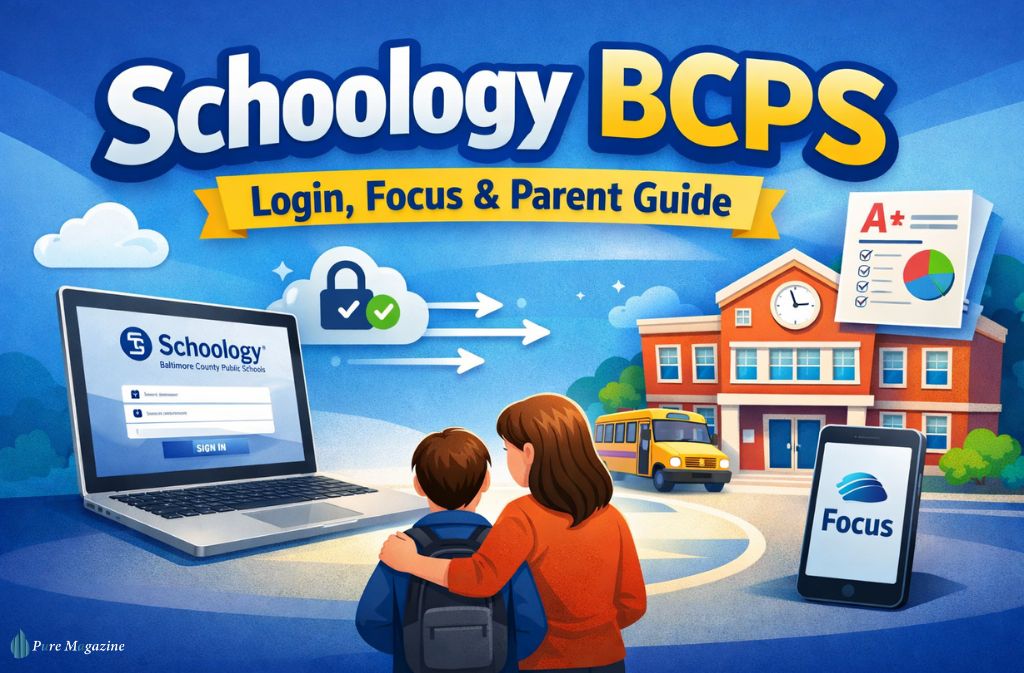
This guide explains how Schoology BCPS actually works in 2026—from the myBCPS B2C login system to Focus syncing, parent setup, mobile access, and the fixes that work when nothing else does. Most pages ranking for this topic just send you to a portal. This one shows you how to get unstuck when the portal fights back.
If your goal is simple—log in, see your classes, check grades, and move on with your day—bookmark this.
What Is Schoology BCPS (And How It Works in 2026)
Schoology BCPS is Baltimore County Public Schools’ official learning management system (LMS). Teachers post assignments, announcements, quizzes, and class resources here. Grades and attendance, however, live in BCPS Focus, which is the district’s student information system (SIS).
In 2026, everything runs through BCPS’s single sign-on layer:
myBCPS B2C (Microsoft Identity) → Focus (SIS) → Schoology (LMS) → Courses
If one link in that chain breaks, it can look like “Schoology isn’t working” even when the platform itself is fine.
Plain-English breakdown:
| Platform | What It’s For | Who Uses It | If Something’s Missing, Check… |
|---|---|---|---|
| Schoology | Assignments, class posts, resources | Students, teachers, parents | Class roster or sync status |
| Focus | Grades, attendance, schedules, parent accounts | Parents, admins | Teacher grade publishing |
| myBCPS B2C | Login & identity verification | Everyone | Browser, password, email match |
Mastering the myBCPS B2C Portal: The 2026 SSO Gateway for Schoology BCPS
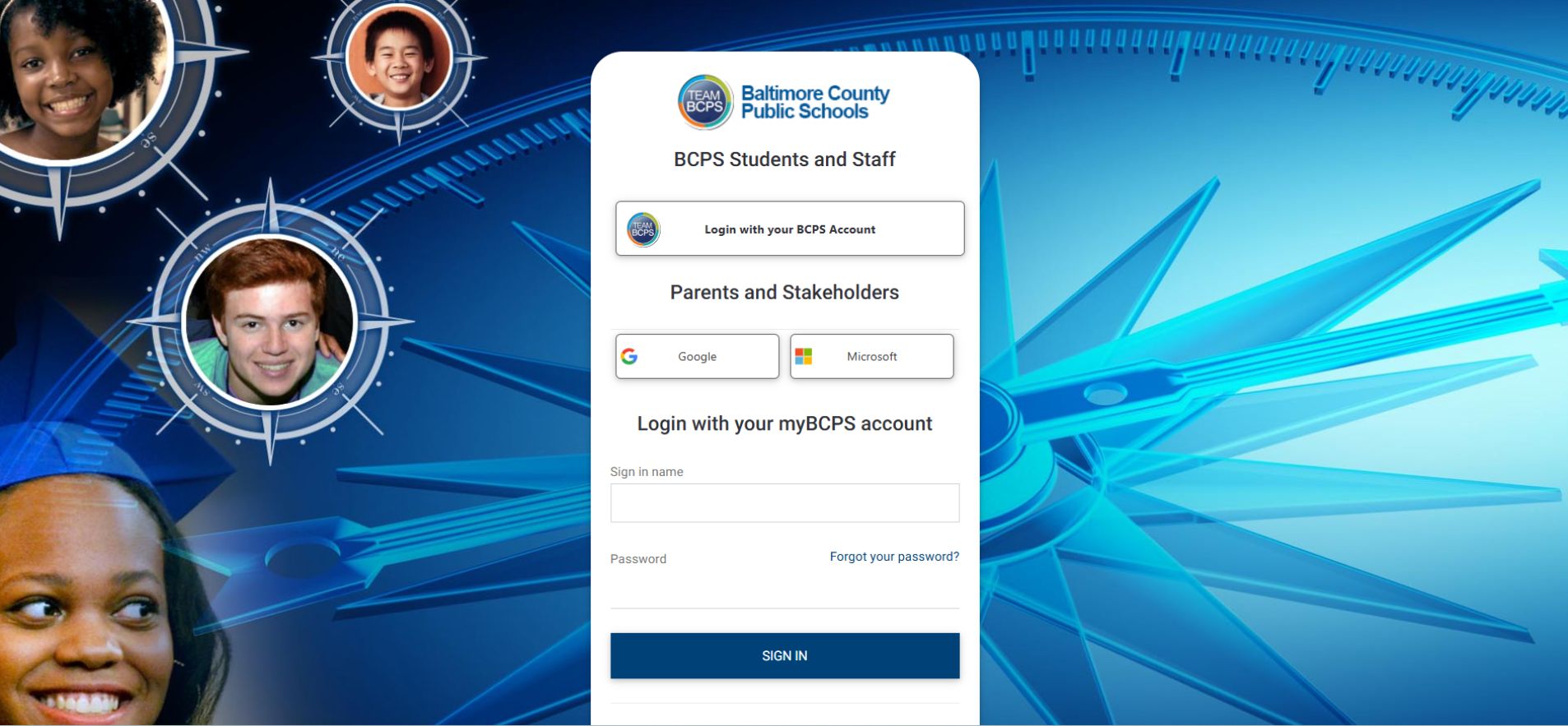
In 2026, BCPS uses myBCPS B2C, powered by Microsoft B2C verification, to authenticate users across Schoology, Focus, and other district apps. This is why login issues often feel unpredictable: the problem usually sits in the identity layer, not the classroom platform.

Student Login (Fast Path)
- Visit https://bcps.schoology.com
- Click Login via your School
- Choose Baltimore County Public Schools
- Enter your BCPS network username and password
Heads-up: After a password reset, it can take 10–15 minutes for SSO to sync. During that window, logins may fail even if your password is correct.
Parent Login (Schoology + Focus Bridge)
Parents don’t create a standalone Schoology account. You must connect Schoology through BCPS Focus.
Step-by-step (2026 setup):
| Step | Action | Platform |
|---|---|---|
| 1 | Create myBCPS Parent Account | bcps.org |
| 2 | Verify your email (must match school records) | Email inbox |
| 3 | Link your student (Student ID + DOB required) | BCPS Focus |
| 4 | Wait 24–48 hours for data sync | N/A |
| 5 | Launch the Schoology tile | Focus dashboard |
Important: If the email you use doesn’t match the one on file with your child’s school, the Focus-to-Schoology link may never activate.
For families, this delay is frustrating. The confusion isn’t just technical—it’s not knowing whether missing grades mean missing work or just a sync lag. That’s usually when panic sets in.
Also Read: Elida Schoology – Complete Guide to Login, Features, and Benefits
Chrome-Only Requirement (Critical in 2026)
For initial setup and verification, use Google Chrome. BCPS technical guidance for 2026 notes that Safari and Firefox can cause looping redirection during myBCPS B2C verification—especially when linking parent accounts. If the verification code pop-up never appears, switch to Chrome before troubleshooting anything else.
The 24–48 Hour Rule (Why New Accounts Look “Empty”)
New myBCPS parent accounts do not show student data instantly. Expect a 24–48 hour delay before Focus and Schoology populate classes and grades.
This isn’t a bug. It’s the time required for identity, SIS, and LMS systems to sync. Trying to log in early often leads people to create duplicate accounts, which causes more problems later.
Schoology BCPS + Focus: How Grades Actually Sync
Focus is the official record for grades and attendance. Schoology shows class activity and assignment details. Teachers control when grades are pushed to Focus.
| Action | Shows in Schoology | Appears in Focus |
|---|---|---|
| Assignment posted | Yes | No |
| Assignment graded | Yes | After teacher sync |
| Final grade update | Sometimes | Yes (authoritative) |
If grades seem “missing,” it usually means they haven’t been published to Focus yet.
Is Schoology BCPS Down?
When Schoology BCPS won’t load, it’s usually not a real outage. Most “down” moments come from:
- SSO session timeouts
- Browser cache issues
- Account sync delays
- Email mismatches in Focus
True district-wide outages are rare. If only you’re affected, it’s almost always a local login or verification issue.
Common Schoology BCPS Problems (And How to Fix Them Fast)
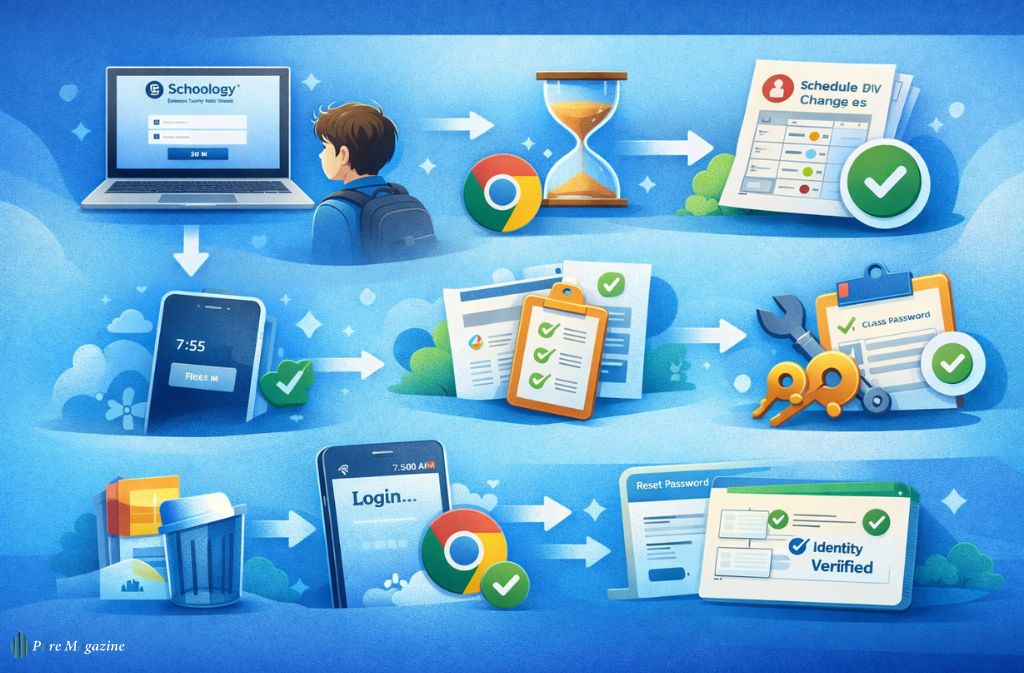
1. Login Loop or White Screen
Fix:
- Switch to Chrome
- Clear browser cache
- Log out completely and re-select BCPS as your school
2. Courses Missing
This often happens after schedule changes.
Fix:
- Wait 24 hours for roster sync
- Ask the teacher to confirm you’re on the class list
- Log out and back in after the nightly sync window
3. Schoology App Freezing in the Morning Rush
If the app hangs at 7:55 AM, it’s often a token timeout. Don’t keep tapping “Login.” Clear your Chrome cache first to force a fresh SSO handshake. It’s usually faster than reinstalling the app.
4. Password Reset Didn’t Fix It
Resetting Focus does not reset Schoology. Identity is controlled by myBCPS B2C. Reset your BCPS network password and wait a few minutes for SSO sync.
Schoology vs Use Focus (Quick Decision Box)
Use Schoology if you want to:
- See assignments
- Read teacher announcements
- Track class activity
Use Focus if you want to:
- Check official grades
- View attendance
- Manage parent accounts
Most confusion comes from using the right tool for the wrong task.
Support: Who to Contact in 2026
For login and access issues, the designated contacts are typically your school’s STAT Teacher or In-School Support Specialist, not the general district help desk. They can fix roster sync, parent linking, and account mismatches faster.
2026 Updates That Affect How You Use Schoology BCPS
- Stronger verification during myBCPS B2C setup
- Shorter session timeouts on shared devices
- District notifications (weather plans, surveys) pushed through Schoology
- Tighter Focus–Schoology integration over time to reduce manual grade entry
Expect even more automation between Focus and Schoology as BCPS reduces duplicate workflows.
Also Check: Kellogg Innovation Network (KIN): What It Is & Why It Matters in 2026
Common Mistakes to Avoid
- Creating multiple parent accounts
- Using Safari/Firefox for the first-time setup
- Logging in before the 24–48 hour sync window ends
- Assuming grades update instantly
- Sharing student logins with parents
FAQs
Q. How do parents log in to Schoology BCPS?
Parents log in to Schoology BCPS by first creating a myBCPS parent account and linking their child inside the BCPS Focus Parent Portal. After the account sync (which can take 24–48 hours), parents can access Schoology through the Focus dashboard using their myBCPS login.
Q. Why can’t I see grades in Schoology BCPS?
You may not see grades in Schoology BCPS because grades are finalized and stored in BCPS Focus, not Schoology. Teachers control when grades sync from Schoology to Focus, so newly graded assignments may take time to appear in the parent portal.
Q. Does BCPS require Chrome for Schoology login in 2026?
BCPS recommends using Google Chrome for the Schoology BCPS login, especially during the initial myBCPS and Focus setup in 2026. Other browsers, like Safari or Firefo,x can cause verification loops or login redirects during Microsoft B2C authentication.
Q. What if Schoology BCPS says my password is wrong?
If Schoology BCPS says your password is incorrect, reset your BCPS network (myBCPS) password and wait 5–15 minutes for SSO to sync. Schoology uses BCPS single sign-on, so password changes are not always instant.
Q. Why are classes missing in Schoology BCPS?
Classes may be missing in Schoology BCPS due to roster syncing delays, especially after schedule changes. It can take up to 24 hours for updated class enrollments to appear. If classes still don’t show after a day, contact your school’s STAT Teacher or In-School Support Specialist.
Q. Is there a BCPS Schoology mobile app?
Yes, you can access Schoology BCPS on mobile using the official Schoology app for iOS or Android. During login, select Baltimore County Public Schools as your school and sign in with your myBCPS credentials. First-time logins work best on a desktop before switching to the mobile app.
Conclusion
Most pages ranking for Schoology BCPS just link you to a login screen. That doesn’t help when your account won’t sync, your child’s classes disappear, or Focus and Schoology don’t match. Now you know how the system actually works in 2026: myBCPS B2C handles identity, Focus stores official records, and Schoology runs the classroom.
Once you understand that chain—and the 24-hour rule—most problems stop being mysterious, you log in, fix what’s broken, and get on with your day.
Related: Schoology Alfa: The Smarter Learning Platform for 2026