


The AI image space in 2026 has grown crowded enough that choosing a tool feels less like shopping and more like triage. Every platform promises photorealism, speed, and creative freedom. Yet talk to designers and content creators who generate visuals multiple times a week, and a different story emerges. They describe losing batches of approved images to browser cache clears, re-typing the same prompt across model switches, and sifting through interfaces designed more for demo-day wow than for Wednesday-morning deadlines.
The gap between a beautiful single result and a dependable weekly workflow has become the real dividing line. That is why Image to Image as a category—and the platforms that treat it as a core workflow rather than a side feature—deserve a closer look right now. This article approaches one such platform not as a product announcement, but as a practical testing ground, examining what happens when you move from occasional experimentation to regular, volume-driven use.
What Separates a Workflow Tool From a Novelty Generator
The first thing worth understanding is not the feature list. It is the underlying logic that shapes every interaction after the upload. Some platforms are built around a single model. You bring an image, you type a prompt, and one engine does all the heavy lifting. That can work beautifully for quick experiments, but it starts to creak when your Tuesday task is a product mockup and your Thursday task is a moody character redesign. Those two jobs pull on very different visual muscles, and asking one model to handle both often means compromising somewhere.
How Model Routing Changes the Way You Work
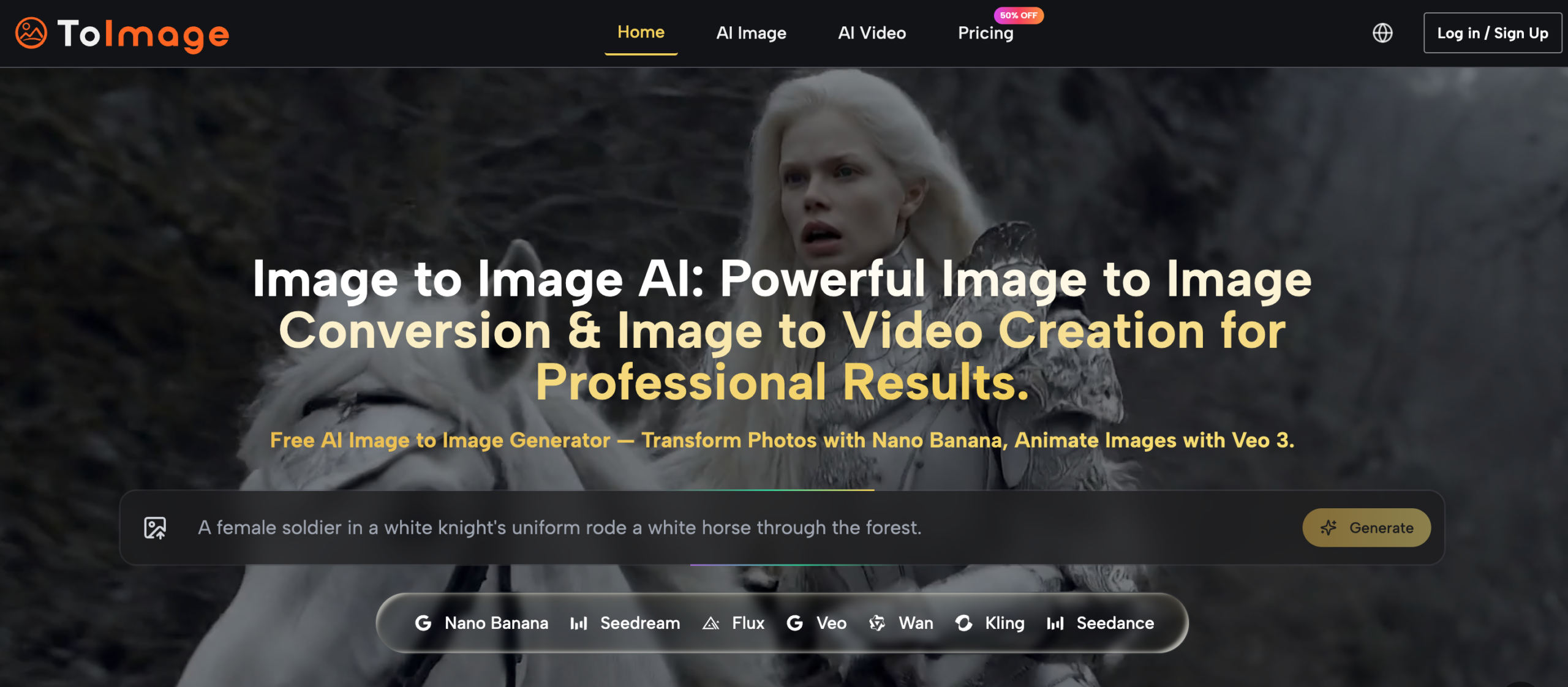
The platform I tested structures itself differently. Instead of funneling every task through a single engine, it surfaces multiple models—Nano Banana, Seedream, Grok, Flux, and others—and lets the user choose which one fits the job. This is less a technical detail and more a shift in creative posture. When you see different model names before you generate, you start asking a better question: not “can AI do this,” but “which engine is better suited for this kind of transformation.” That distinction, in my testing, changed the quality of the outputs more than tweaking prompt wording ever did.
The Difference Between Knowing a Tool and Understanding Its Logic
On paper, having multiple models sounds like complexity. In practice, it turned into a kind of visual literacy exercise. After a few sessions, I could anticipate that Nano Banana would handle reference-heavy transformations with better fidelity, while Seedream was the choice when I needed rapid iterations without waiting. The platform did not force me to learn this—the model names are right there in the selector, and the prompt stays intact when you switch between them, which means you can run the same instruction across two engines and compare results without re-typing anything.
Prompt Continuity as an Underrated Efficiency Signal
One detail that stood out during repeated use was how the platform handled prompt persistence. On several other tools, switching models resets the prompt field, or worse, navigating away from a generation panel loses your previous wording entirely. Here, the prompt remained visible and editable regardless of which model was selected. In a testing session where I ran the same product-shot instruction through three different engines, that continuity saved what I estimate to be several minutes of re-typing—and more importantly, it eliminated the mental friction of reconstructing a prompt I had already fine-tuned. Multiply that by dozens of sessions, and the time recovered is real.
Three Testing Scenarios That Reveal What the Platform Actually Handles Well
To move beyond surface impressions, I ran the platform through three distinct tasks that mimic what a working creative might actually need. Each scenario examines a different dimension: compositional precision, asset-based variation, and batch content production.
Structured Composition for Commercial Ad Drafts
The Task and Why It Is Harder Than It Sounds
I prompted the platform to generate a top-down desk scene: a laptop on a wooden surface, soft morning light, a coffee cup positioned in the upper right corner. This sounds trivial, but it is exactly the kind of request that trips up many AI image generators. Most models, in my experience, treat every object as the hero and center it accordingly. When you need the coffee cup in a specific quadrant because the layout demands negative space for copy, that tendency becomes a genuine obstacle.
What the Output Actually Delivered
Using the model labeled GPT Image 2, the platform placed the coffee cup in the upper right corner as requested. The composition was not the most artistically striking image in the batch—the lighting felt competent rather than cinematic—but it was the image I asked for. The laptop sat on the wooden desk, the light direction matched the “soft morning” cue, and the spatial relationship between objects held.
Where It Excels and Where It Does Not
The strength here is predictability. For commercial drafts where a client has already approved a layout concept, getting the composition right on the first or second attempt matters more than getting the most beautiful possible interpretation. The trade-off is that the platform does not always reach the painterly or emotionally charged atmosphere that a tool like Midjourney can produce with a well-crafted style reference. From a practical user perspective, this makes GPT Image 2 better suited for structured briefs than for open-ended artistic exploration.
Who Should Pay Attention to This Result
Freelance designers juggling multiple client drafts, in-house marketers generating ad variations, and anyone who needs the AI to follow spatial instructions rather than reinterpret them will find this behavior valuable. If your work involves placing text overlays on images, compositional predictability is not a luxury—it is a production requirement.
Transforming Existing Assets Into Campaign Variations
The Testing Approach
The second scenario started with a single product photo—a simple snapshot of a skincare bottle on a white counter. The goal was to generate five usable variations for different channels: a lifestyle shot for Instagram, a clean e-commerce look, a moodier editorial version, and two quick experiments with different seasonal backgrounds. All generations used the image-to-image upload flow.
How the Multi-Reference Feature Changed the Outcome
Nano Banana on this platform supports uploading up to four reference images for a single transformation, which proved useful for maintaining consistency. I uploaded the original product shot plus two mood reference images I had saved from previous projects. The resulting variations kept the product shape and label details intact while adjusting the surrounding environment as instructed. In one test, I asked for a “winter morning bathroom scene with soft window light,” and the bottle appeared on a marble counter near a frosted window, with the lighting direction matching the reference mood image more closely than I expected.
Realistic Limitations Worth Knowing
Not every generation was usable on the first attempt. The prompt quality matters significantly—vague instructions like “make it look premium” produced inconsistent results across multiple runs. I found that specifying lighting direction, surface material, and color temperature in the prompt improved the hit rate noticeably. Users approaching this platform for the first time should expect a short calibration period where they learn which descriptive language the models respond to most consistently.
The Practical Value for Marketing Teams
For small teams that cannot afford multiple product photoshoots per campaign, the ability to generate environment variations from a single source image has clear production value. The platform’s output is not a replacement for professional photography, but it fills the gap between “we have one usable photo” and “we need five channel-specific visuals by Friday.”
Content Creator Batch Production Without Losing Track
The Volume Problem Most Tools Ignore
When you generate five images a day, you can manage your files manually. When you generate fifty a week, the equation changes. I have lost client-approved images on other platforms because clearing a browser cache also cleared the generation history, and “save” apparently did not mean what I thought it meant. This kind of infrastructure failure is invisible in a demo but becomes the deciding factor in long-term adoption.
What Cross-Session History Actually Means in Practice
The platform keeps an image history that persists across browser sessions. After closing the tab and reopening it the next day, I could scroll back to Tuesday’s generations, locate a variant I had overlooked during the first review pass, and download it without drama. This is not a sophisticated digital asset management system—there are no folders, tags, or advanced search. But for a solo creator or a small team revisiting assets days or weeks later to repurpose them for a different channel, the basic persistence alone eliminates a category of anxiety that I have experienced firsthand on other tools.
Where the Feature Falls Short
The history view is straightforward and chronological. Users managing hundreds of generations across multiple projects may find it insufficient for organizing work at scale. The platform does not currently offer project-based grouping or filtering, which means the scroll-back approach works best when you have a rough sense of when you generated something. For high-volume production, supplementing with manual file organization on your local drive remains advisable.
How to Start Using the Platform Step by Step
The onboarding experience on this platform does not require a walkthrough video, which is itself a design statement. The workflow follows a logical sequence that reflects how image transformation actually happens in practice.
Step 1: Upload Your Source Image
What the Upload Flow Looks Like
The interface presents a drag-and-drop area or a click-to-upload option. There is no multi-step wizard or mandatory categorization. You place your image on the canvas, and the platform immediately prepares it as the base for transformation. The upload accepts common image formats, and the preview appears without noticeable delay in my testing sessions.
Choosing the Right Source Image for Better Results
The quality of the source image affects the output more than some users might expect. In my testing, images with clear subject-background separation, adequate lighting, and reasonable resolution produced transformations that preserved more detail. Grainy or heavily compressed uploads sometimes introduced artifacts that carried through to the generated result. This is not a platform-specific limitation—it is a general principle of image-to-image AI—but it is worth mentioning because the upload step is where the outcome begins to take shape.
Step 2: Describe the Transformation in the Prompt Field
Writing Prompts That Work for Image-to-Image Tasks
The prompt field sits alongside the uploaded image, and the instruction you type determines the direction of the transformation. Based on my testing, the most effective prompts for AI Image to Image are directional rather than overloaded. Instead of writing an encyclopedic description, I found better results with prompts that clearly separated what should stay from what should change. Examples that worked well included patterns like “preserve the product shape and label, change the background to a sunlit bathroom counter” or “keep the face and pose, convert the environment to a rainy city street at dusk.”
The Relationship Between Prompt Specificity and Generation Consistency
Vague prompts produced varied results across runs, while specific prompts—particularly those mentioning lighting conditions, material qualities, and spatial relationships—yielded more consistent outputs. The platform does not require advanced prompt engineering knowledge, but users who invest time in learning how each model interprets descriptive language will see better returns than those who treat prompts as casual suggestions.
Step 3: Select a Model and Generate
How the Model Selector Shapes the Final Result
After the image is uploaded and the prompt is written, the model selector lets you choose which engine handles the transformation. The available options include Nano Banana for reference-rich, hyper-realistic conversions; Seedream for faster generation cycles; Grok for more experimental and creative outputs; and Flux among others for different stylistic directions. The generation itself, in my testing, completed within seconds for image-to-image tasks—Seedream was consistently the fastest, while Nano Banana took slightly longer but delivered higher fidelity on detail retention.
Using Side-by-Side Comparison Across Models
The platform supports generating the same prompt across multiple models simultaneously and viewing the results side by side. This comparison capability turned out to be more useful than I initially expected. Rather than guessing which model would handle a particular transformation best, I could run the same instruction through two or three engines and select the output that matched the brief most closely. For users still learning each model’s strengths, this feature shortens the calibration period significantly.
How This Platform Stacks Up Against Familiar Alternatives
A direct comparison helps clarify where the platform fits in a broader tool landscape. The table below reflects observations from hands-on testing rather than spec sheets, and the ratings are grounded in practical, repeated use across multiple sessions.
| Dimension | ToImage AI | Midjourney | Adobe Firefly | Canva AI | Ideogram |
| Image-to-Image Focus | Central to the workflow | Available but not primary | Integrated into Creative Cloud | Present but not deep | Limited |
| Model Range | Multiple engines with clear selection | Primarily single-model experience | Single model with guardrails | Single model | Single model |
| Prompt Persistence Across Models | Stays intact when switching | Not applicable (single model) | Not applicable | Resets in some workflows | Not applicable |
| Cross-Session History | Accessible without local storage | Limited to recent sessions | Requires Creative Cloud login | Tied to account | Limited |
| Learning Curve | Moderate; model selection takes practice | Steep (Discord-based originally) | Moderate (ecosystem familiarity helps) | Low (familiar interface) | Low to moderate |
| Best For | Creators working from existing assets repeatedly | Artistic exploration and cinematic quality | Designers inside Adobe ecosystem | Quick social content with minimal friction | Text-heavy image designs |
| Image Quality Consistency | Good across structured briefs; varies with prompt quality | Excellent when prompts are well-crafted | Consistent but aesthetically conservative | Adequate for social media | Strong on typography, moderate on photorealism |
| Commercial Usage Clarity | Full commercial rights stated | Depends on subscription tier | Clear for subscribers | Clear within platform terms | Limited on free tier |
Real Limitations That Matter in Daily Use
No platform handles every task equally well, and being honest about where this one falls short is more useful than pretending otherwise. Several limitations became apparent during extended testing.
The multiple-model structure, while powerful for experienced users, can feel overwhelming during the first few sessions. A beginner uploading their first image might reasonably wonder which of the six or more available engines to select, and the platform does not currently offer an in-interface recommendation system that suggests a model based on the uploaded content or prompt description. Users who only need simple, single-click edits may find the depth more than they require.
The quality of generated outputs varies with prompt specificity. Inconsistent or vague instructions sometimes produced results that missed the mark on composition or lighting, and complex scenes with multiple interacting subjects occasionally required several regeneration attempts before yielding a usable result. This is consistent with how probabilistic image models behave generally, but it is worth setting expectations accordingly. Results are not guaranteed to be identical across runs, and a prompt that works perfectly once may need slight adjustment on subsequent attempts.
The image history, while reliable for cross-session access, remains a chronological scroll rather than a searchable or organized library. Users who generate hundreds of images across dozens of projects may find themselves doing more manual file management than they would prefer. The platform does not replace a dedicated digital asset management system, and treating it as one would be a mistake.
Face generation, particularly when transforming portrait images, does not always preserve identity with perfect consistency. In my testing, the degree of facial similarity to the source image depended on factors including the quality of the original photo, the lighting conditions, and the specific model selected. Users working on projects where identity preservation is critical should plan for potential adjustment rounds.
Who Gets the Most Value From This Kind of Platform
After spending meaningful time with the tool across different tasks, a clearer picture of its best-fit audience emerged. This is not a platform trying to be everything to everyone. It is a production-oriented image transformation environment that rewards users who work from existing assets rather than blank prompts, who generate frequently enough to care about workflow continuity, and who benefit from being able to route different creative tasks to different engines without leaving the same interface.
Freelance designers managing visual output for multiple clients simultaneously will find the cross-session history and prompt persistence reduce the administrative overhead that eats into creative time. Small marketing teams that need to spin a single product photo into multiple channel-specific variations will appreciate the image-to-image depth and multi-reference support. Content creators producing at weekly volume will benefit from a generation environment that does not punish tab-closing or browser-cache clearing. Users whose primary goal is artistic exploration at the bleeding edge of what AI image generation can produce may still prefer tools built around single-model excellence and community-driven prompt discovery
The platform earns its place not by winning a spec war on any single dimension, but by refusing to make the user choose between a usable result and a tolerable experience. That sounds modest, but across dozens of projects and hundreds of generations, modest reliability compounds into something that looks a lot like creative momentum.
For more, visit Pure Magazine
