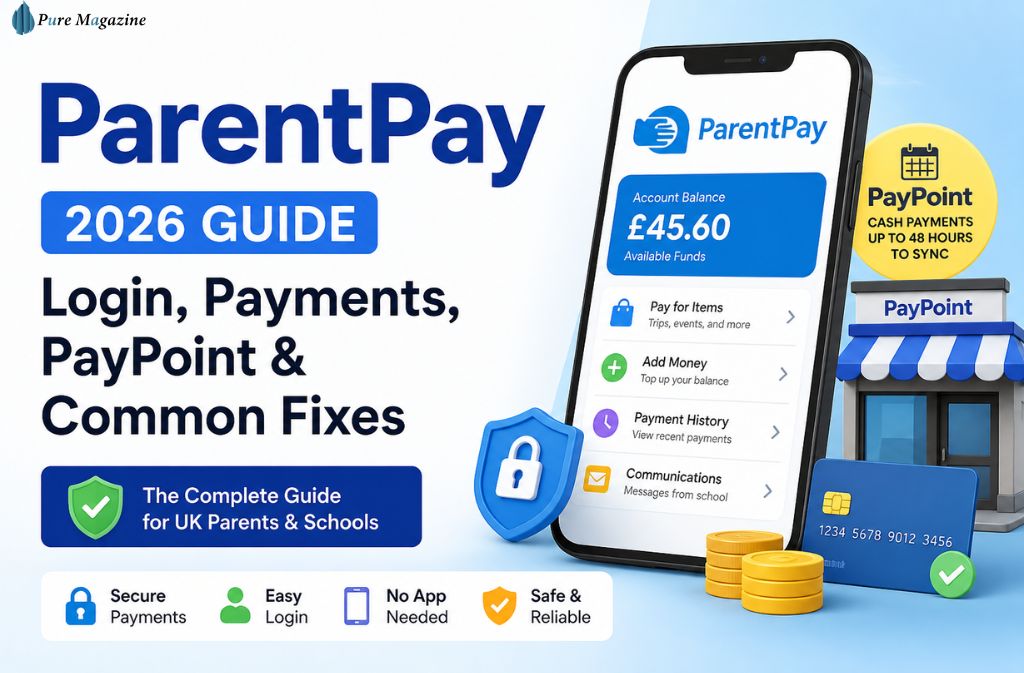
Summary (Quick Facts for 2026)
- ParentPay is a cashless school payment system used for meals, trips, and school services
- No official app exists (use browser or “Add to Home Screen”)
- New SSO login (Google/Microsoft) is available in early adopter schools
- PayPoint cash payments can take up to 48 hours to fully sync
- Refunds are handled only by the school, not ParentPay
- Some schools are migrating to Arbor Pay or hybrid MIS systems
Most parents only think about school payment systems when something goes wrong. A lunch balance suddenly shows red at the school gate, a trip deadline appears in an email at the last minute, or a login page refuses to load just when you need it most.
That’s where ParentPay sits in everyday school life in 2026. It’s widely used across UK schools to manage meals, trips, and school-related payments without cash, but the real experience is more nuanced than the official description suggests.
Some parents log in once a week without issue. Others deal with activation letters buried in backpacks, delayed PayPoint top-ups, or confusion as schools split systems between ParentPay and newer platforms like Arbor Pay.
This guide focuses on how ParentPay actually behaves in real-world use today—how login works, where delays happen, what’s changed in 2026, and what to do when things don’t go smoothly.
What ParentPay Actually Is (and What It Does in Practice)
ParentPay is a secure online system that allows schools to collect payments from parents digitally rather than by cash or envelope.
In practice, it links three things:
your account → your child → the school system.
When you add money, it doesn’t sit in a general wallet. It is assigned directly to:
- School meal balances
- Trip payments
- Specific school services
From the school side, this reduces cash handling and creates a clear audit trail. From the parent side, it replaces unpredictable cash payments with a structured digital record.
But one important detail often missed is that schools control the funds—not ParentPay itself. That distinction explains many of the refund limitations later on.
ParentPay Login (2026 Reality & SSO Update)
ParentPay login is done through a web browser using credentials provided by your school.
Most issues still start at the same point: activation.
That first activation letter is supposed to contain your temporary login details, but in real life, it often ends up folded, lost, or forgotten inside a school bag. If that happens, there is no workaround—schools must reissue it.
New in 2026: SSO Login
As of early 2026, some schools now support Single Sign-On (SSO) using:
- Microsoft accounts
- Google accounts
This is part of a gradual rollout and not available everywhere yet, but where it exists, it removes the need to remember separate ParentPay passwords entirely.
What Login Actually Feels Like in Practice
On paper, login is simple. In reality, it depends heavily on timing and device.
Most users don’t notice issues until:
- A password reset email is delayed
- The browser session expires unexpectedly
- The page hangs on older devices
One overlooked detail is browser compatibility. As of 2026, ParentPay performs best on modern browsers (Chrome, Safari, Firefox). Older browsers may load the page but fail during login due to updated security requirements.
The platform also relies on TLS 1.2 encryption, which means outdated systems or unsupported devices may struggle to connect securely.
The ParentPay App Truth (No App, But a Workaround)
There is still no official ParentPay mobile app.
Instead, the system runs entirely through a mobile-optimised website.
However, most parents end up using a workaround that effectively replaces an app experience:
On iPhone, adding ParentPay to the home screen creates a direct shortcut that opens instantly in Safari. On Android, Chrome offers a similar function.
In real-world use, this method is often faster and more stable than searching for an app or repeatedly entering a URL.
How Payments Work (Card vs PayPoint)
ParentPay supports two main payment methods: online card payments and cash via PayPoint.
Card payments are usually instant, although during peak times (especially weekday mornings when schools open), delays of a few minutes can occur due to high traffic.
PayPoint Cash Payments (Important Detail)
PayPoint allows parents to top up ParentPay using cash at participating shops via a barcode issued by the school.
However, one critical detail often missed is timing. While payments are accepted immediately at the shop, the system can take up to 48 hours to fully sync across all school systems, especially during peak processing periods.
This delay is normal and not a failure of the transaction.
Each child typically has a separate barcode, meaning one payment reference does not always apply across multiple children.
Refunds (The Most Misunderstood Part)
Refunds are one of the biggest areas of confusion.
ParentPay does not issue refunds directly.
Instead, funds are held at the school level once transferred. This means:
- Refund requests must go through the school office or the bursar
- ParentPay support cannot release money directly
Important rule many parents don’t know:
Most school-linked payments follow a 180-day transaction window. Payments older than this may require manual processing by the school, sometimes via bank transfer or cheque.
This is not widely advertised, but it affects older balances and forgotten accounts.
Hybrid Systems: ParentPay + Arbor (2026 Shift)
One of the biggest structural changes in 2026 is the rise of hybrid school systems.
Some schools now use:
- Arbor for attendance and school management
- ParentPay for payments only
Others are fully migrating to Arbor Pay, which integrates payments directly into the MIS system.
Why this matters for parents
This creates confusion when:
- Attendance is in one system
- Payments are in another
- Communication is split between platforms
This is often called a Split MIS environment, and it’s becoming increasingly common during transition years.
If your school is in this phase, it’s important to:
- Keep both systems bookmarked
- Confirm which platform handles which function
- Check balances before system migrations
Common Problems & Real Fixes (2026 Table)
| Issue | Cause | Practical Fix |
|---|---|---|
| Login not working | Activation or password issue | Reset or reissue via school |
| Payment delay | Sync lag or peak traffic | Wait up to 48 hours |
| Error 403 | Session expired or blocked access | Re-login or switch browser |
| Missing balance update | System sync delay | Refresh later, avoid repeated logins |
| Refund request | System limitation | Contact school office only |
Real-World Experience (What Parents Actually Notice)
Most parents don’t interact with ParentPay daily—they interact with it at stressful moments.
That’s why the system feels inconsistent:
- It’s invisible until needed urgently
- It behaves differently depending on the school setup
- It relies heavily on school-side configuration
One of the most common real-life frustrations is the “red balance warning appearing right before school drop-off”, when there’s no time to fix it immediately.
Another is the activation process being delayed simply because the original letter was never opened.
These small friction points define the real user experience more than the system’s official features.
FAQs
Q. What is ParentPay?
ParentPay is a UK school payment system used in 2026 that allows parents to make cashless payments for school meals, trips, uniforms, and other school services. It connects directly to a child’s school account and operates through a secure web browser. Some schools also support Google and Microsoft Single Sign-On (SSO) for easier login access.
Q. Does ParentPay have an app?
No, ParentPay does not have a mobile app in 2026. Instead, it works through a mobile-friendly website that can be saved to your phone’s home screen for app-like access. This provides the same functionality without requiring an app download.
Q. How long do PayPoint payments take to show on ParentPay?
PayPoint cash payments usually take up to 48 hours to fully appear in your ParentPay account. While the payment is processed instantly at the shop, school system synchronization may take additional time, especially during peak periods.
Q. Can I get a refund from ParentPay?
No, ParentPay does not issue refunds directly. All refunds are handled by the child’s school because funds are transferred to the school’s financial system. Parents must contact the school office or bursar to request a refund.
Q. Why is ParentPay not working?
ParentPay issues are usually caused by one of the following:
- Incorrect login details or inactive account
- Temporary system or browser-related errors
- Payment or balance synchronization delays
In most cases, refreshing the browser, resetting the password, or waiting a short period resolves the issue. Persistent problems should be reported to the school.
Q. What happens if my school switches from ParentPay to Arbor Pay?
If your school transitions to Arbor Pay (or another system like Arbor MIS integration), you may need to:
- Clear or transfer your existing ParentPay balance
- Set up a new login on the new system
- Manage payments separately if systems are split during transition
Some schools operate a hybrid system, where ParentPay continues for payments while Arbor handles attendance and school records.
Final Note
ParentPay is straightforward in principle, but the real experience can vary depending on how each school configures and manages the system. Once you understand how login works, how payment timing behaves, and the fact that schools control balances and refunds, most common issues become much easier to resolve.
Transparency Note: This guide is independent and not affiliated with ParentPay Ltd. It is based on publicly available information, typical school system configurations, and observed usage patterns as of 2026.
For more, visit Pure Magazine