


Ever tried fixing a typo in a PDF and ended up stuck between five different tools? One to convert, one to edit, another to add a signature — and suddenly, you’re trapped in a loop that turns a five-minute job into an hour-long mess.
That’s the reality for most Windows users today. PDFs are supposed to make life easier, not harder. Yet somehow, every “free” editor or online tool seems to come with limits, watermarks, or privacy warnings that make you wonder if your files are still yours.
That’s why JOPDF for Windows feels like such a relief. It’s built around a simple idea — takes full control of your PDFs without losing time, patience, or security.
And here’s the thing: it actually delivers.
The Everyday Struggle With PDFs
Most documents that matter in business—from contracts to reports—are saved as a PDF for universal sharing. However, the moment you need to make a small change, this reliable format turns into a major headache.
When you need to fix a quick typo or adjust an image, the process often forces you to jump between multiple online converters and different apps. This fragmented approach not only wastes time but forces you to risk your data on unknown servers, turning simple edits into chaos.
JOPDF Solves That Problem in One Move
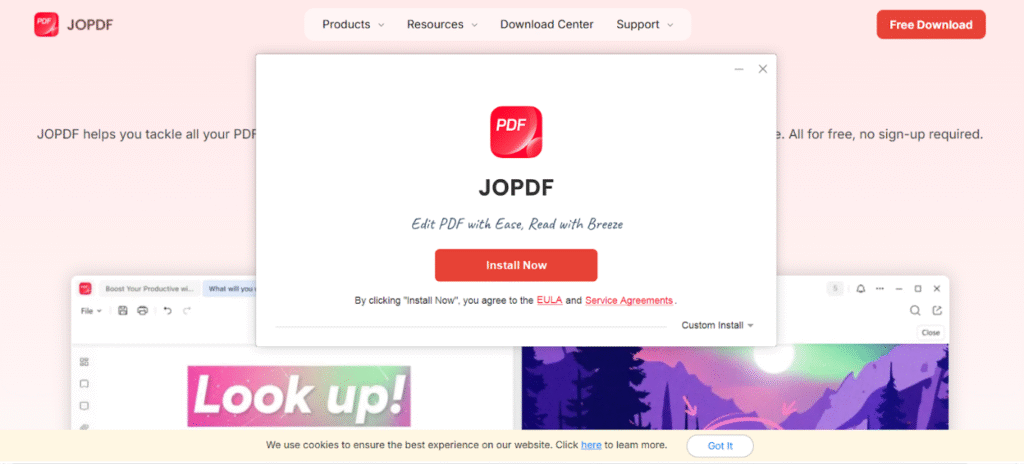

With JOPDF, you don’t need to hop between different programs. It includes every essential feature — from editing and annotating to organizing and printing — all while protecting your documents. It comes with one clean, lightweight interface.
You can install JOPDF with just one click, and right off the bat, you’ve got everything you need. You can edit PDFs, create new ones, lock them with encryption, rearrange pages, or print — all in one place. No annoying pop-ups, no jumping between tools, and yeah, not a single penny spent.
And here’s the best part — once it’s up and running, it’s butter-smooth. JOPDF is built natively for Windows, so it doesn’t feel like some clunky add-on. It fits right in — kinda like Word or Excel — and never slows you down when you’re in the zone.
Security Comes First — Always
Here’s something not enough people think about: PDFs often carry sensitive data. Invoices, proposals, client contracts, medical forms — you name it. Every time you upload a file to an online editor, you’re handing it over to an unknown server. This risks indefinite storage, unauthorized access, and exposure if the platform is ever hacked.
JOPDF avoids that risk completely. It’s a local-first tool — which means everything happens right on your device. No cloud uploads. No hidden sync. servers quietly holding onto your files.
You edit, save, and protect your PDFs — and they never leave your system unless you choose to share them.
For professionals who deal with contracts, NDAs, or client documents, that’s not just a convenience — that’s real security.
Time-Saving Tools That Just Make Sense
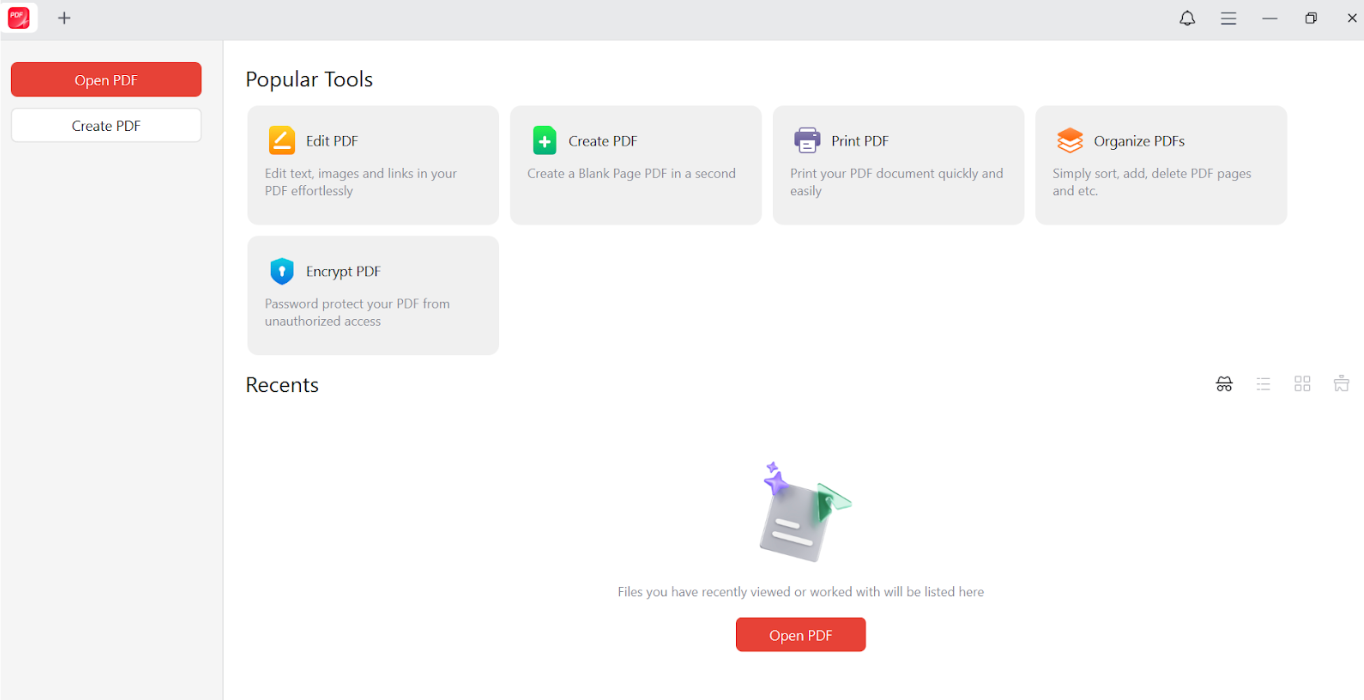

Once you start using JOPDF, it’s hard to go back. Everything’s right there where you expect it to be:
- Edit text, images, and layout with ease
- Annotate like you would on paper — highlight, draw, add sticky notes.
- Merge or split pages in seconds.
- Protect your files with passwords and permission controls.
- Print directly from the app with no format loss.
It’s the kind of design that feels invisible — because it just works.
Built for Windows and Mac Users
Built for native performance, JOPDF is the user-friendly editor that runs smoothly on all Windows versions (11, 10, 8, and older), guaranteeing easy, hassle-free document management.
And if you’re an Apple user, nothing changes. JOPDF for Mac delivers the same functionality and accessibility, providing a consistent experience whether you’re working on Windows or Apple devices. With JOPDF, you can boost your productivity effortlessly — all while keeping your files safe and secure.
Trusted by Millions, Loved for a Reason
Good software spreads by word of mouth, not ads.
That’s why JOPDF already has over 3 million satisfied users and more than 10 million downloads worldwide.
From small businesses to teachers, freelancers to corporate users — it’s quietly become the go-to choice for anyone tired of complicated editors or overpriced subscriptions.
The Bottom Line
You shouldn’t need five different apps just to fix one document. You shouldn’t have to risk your privacy or pay extra just to make a few edits. JOPDF gives you everything — editing, organizing, annotation, security — in one secure, reliable place.
It’s quick, clean, and built for the real world — where you just want your tools to work.
Because at the end of the day, PDFs should save you time — not waste it.