


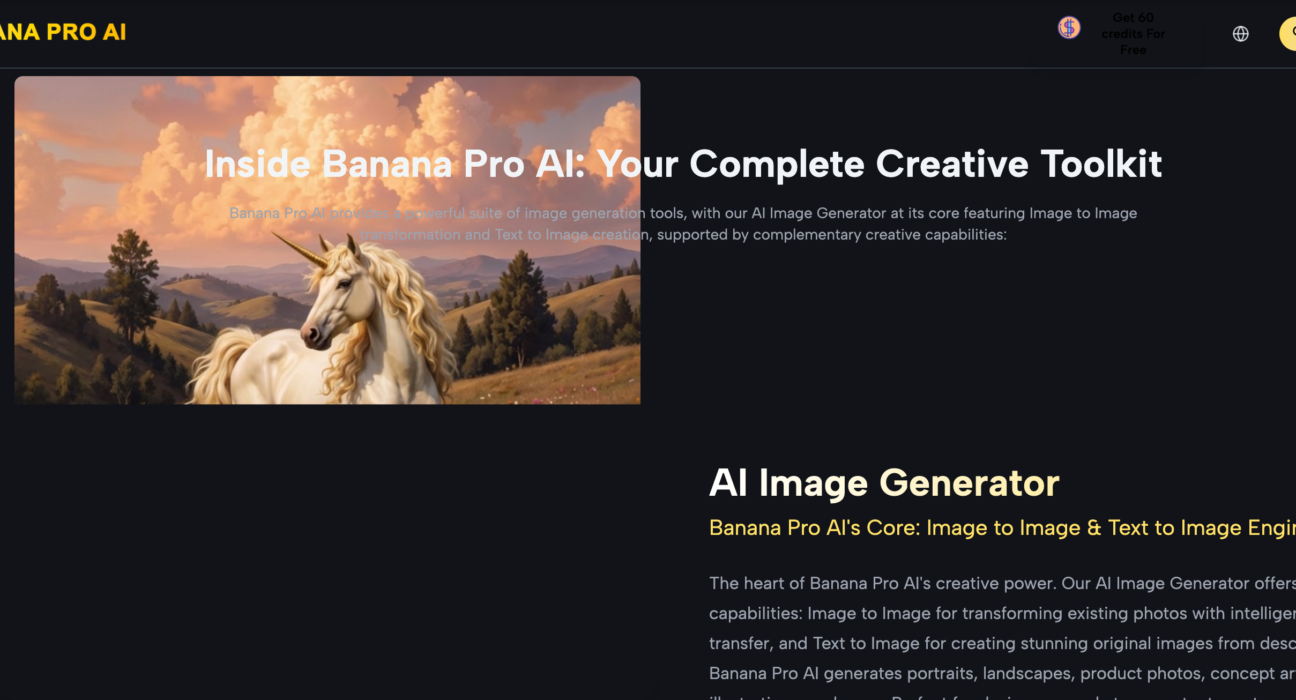
Why does the majority of generative video content degrade into a chaotic slurry of pixels after the first three seconds? For creative operations leads, this isn’t just an aesthetic annoyance; it is a fundamental breakdown in the asset pipeline. If the output is unpredictable, it isn’t a tool—it’s a lottery. When building repeatable workflows around high-performance models like Nano Banana Pro, the industry is beginning to realize that “prompting” is a secondary skill. The primary skill is technical asset preparation.
The quality of the downstream video is almost entirely contingent on the structural integrity of the first frame. Whether you are using a text-to-video or an image-to-video workflow, the initial latents set the boundaries for motion, light, and consistency. If that foundation is flawed, no amount of temporal smoothing or high-bitrate rendering will save the final export.
The Fallacy of Raw Prompting in Production
In a production environment, relying on a raw text prompt to generate both the scene and the motion simultaneously is a high-risk strategy. Text is inherently ambiguous. If you ask for a “cinematic shot of a drone flying over a forest,” the model has to hallucinate the trees, the lighting, the atmospheric haze, and the drone physics all at once.
Operating through Banana Pro suggests a different approach: treat the first frame as a fixed data point. By using the AI Image Editor to curate a high-fidelity source image before touching the video timeline, you eliminate 50% of the model’s “guesswork.” When the model knows exactly where the light source is and where the edges of objects reside, it can focus its compute cycles on temporal consistency rather than structural generation.
It is important to reset expectations here: even with a perfect source asset, AI video models still struggle with complex anatomical movements—such as fingers interlacing or rapid axial rotations. A high-quality first frame mitigates these issues but does not yet eliminate the “hallucination” inherent in diffusion-based motion.
Structural Integrity: Why Composition Matters
In the context of Nano Banana Pro, composition is more than just an artistic choice; it is a technical constraint. AI models process images in patches. When a composition is cluttered—too many small objects, overlapping textures, or low-contrast depth—the model’s attention mechanism becomes fragmented.
For a creative ops lead, the goal is “legibility” for the AI. A clean, well-defined silhouette in the first frame provides a clear “anchor” for the motion vectors. If the source asset, refined through Banana AI, has a shallow depth of field, the model understands that the background is a secondary priority for motion, which prevents the “swimming” effect where the background morphs at the same rate as the foreground subject.
The Role of the AI Image Editor in Pre-Processing
Efficiency in a generative pipeline requires a “pre-flight” stage. This is where the AI Image Editor becomes the most valuable tool in the kit. Before an image is passed to the Nano Banana video engine, it should undergo a series of checks:
- Resolution Matching: Upscaling a low-res image inside the video generator often introduces “tiling” artifacts. It is more effective to upscale and sharpen the static image first.
- Luminance Balancing: Extreme shadows or blown-out highlights often cause “flicker” in video as the model tries to re-calculate the lighting in every frame.
- Semantic Cleaning: Removing “floaters” or artifacts in the first frame prevents them from growing into larger visual glitches during the 24-fps generation process.
We often see teams skip these steps, only to spend three times the compute credits re-running video generations that were doomed from the start. A disciplined approach treats the image as the “blueprint” and the video generation as the “construction.”
Nano Banana Pro and the Physics of Motion
When we look at the Nano Banana Pro architecture, we see a model designed for high-frequency detail. However, detail is a double-edged sword. If the first frame is overly “busy”—think of a field of high-contrast grass or a crowd of people in patterned shirts—the model has too many variables to track.
Evidence from production benchmarks suggests that “smooth” surfaces with clear directional lighting yield the most stable video. This is why product shots and minimalist architectural visualizations tend to look “real,” while action sequences often look “dreamlike.” The model is essentially trying to solve a complex math problem: If Pixel A is at Coordinate X in Frame 1, where should it be in Frame 2 to maintain the illusion of physics? The simpler you make that starting math, the better your output.
One persistent uncertainty remains: the “seed” influence. Even with identical starting frames, two different seeds can result in wildly different motion paths. Current workflows still require a degree of “cherry-picking,” which is why building a “repeatable” pipeline is currently more about increasing the probability of success rather than guaranteeing it.
Source Asset Quality: Beyond Resolution
Many creators confuse “high resolution” with “high quality.” For a video model, a 4K image with poor lighting and muddy textures is less useful than a 1080p image with sharp edges and clear contrast. Banana AI users should prioritize contrast ratios and color separation.
If the foreground and background have similar color values, the video model may merge them during motion. This is the primary cause of “melting” backgrounds. By using an AI Image Editor to slightly exaggerate the color contrast between the subject and the environment, you provide the video engine with a clearer map of what should move and what should remain static.
The Hierarchy of Variables
To manage a creative team effectively, you need a hierarchy of what actually matters in the workflow. Based on current testing within the Nano Banana ecosystem, the weight of influence on the final video quality breaks down roughly as follows:
- First Frame Composition (50%): Does the image have clear depth and defined subjects?
- Source Asset Sharpness (20%): Are the edges clean enough for the model to “grip”?
- Motion Prompting (20%): Are you asking for physics that the model can actually simulate?
- Technical Settings (10%): Steps, guidance scale, and resolution settings.
Most beginners flip this hierarchy, spending 90% of their time on prompts and settings while ignoring the fact that their source image is structurally unsound.
Limitation: The “Temporal Drift” Reality
It is a hard truth for creative leads: AI video is currently a short-form medium. As of now, regardless of the quality of the first frame, “temporal drift” begins to take over after approximately 4 to 6 seconds. The model’s memory of the original frame starts to fade, and it begins to prioritize its own internal logic over your initial data.
This is why “Source Asset Quality” is so vital. If you start with a 10/10 frame, by the time the drift kicks in at second 5, the image might still be a 7/10. If you start with a 5/10 frame, you are looking at visual mud by the second second. The goal isn’t necessarily a perfect 30-second clip; it’s a high-quality 3-second “hero” shot that can be used in a larger edit.
Practical Workflow for High-Volume Pipelines
For those building asset pipelines, the following sequence represents the current “best practice” for leveraging these tools:
- Generation: Use Banana AI to generate multiple variations of a scene based on a core concept.
- Culling: Select the image with the clearest depth of field and the least amount of visual “noise.”
- Refinement: Pass that image through an AI Image Editor. Sharpen the subject, clean up any anatomical errors, and ensure the lighting is directional rather than flat.
- Motion Injection: Upload the refined image into Nano Banana Pro. Use minimal text prompting—describe only the *motion*, not the *scene*.
- Upscaling: Once the video is generated, use a dedicated video upscaler to bring the grain and detail back to production standards.
The Shift from “Creator” to “Director”
The industry is moving away from the “slot machine” era of AI where you pull a lever and hope for the best. We are entering the era of “directed generation.” This shift requires a technical understanding of how image data informs video latents.
By focusing on the first frame, you are essentially providing the AI with a set of constraints. Constraints are the friend of the creative professional. They allow for predictability, which leads to scalability. The Nano Banana engine is exceptionally powerful, but it is not an editor; it is a simulator. Like any simulation, the output is only as accurate as the initial conditions you provide.
In summary, the next time a video generation fails, don’t just change your prompt. Look at your first frame. Is it blurry? Is the subject merged with the background? Is the lighting inconsistent? Fix the frame in the AI Image Editor first. In the world of high-end generative media, the “image” stage isn’t the beginning of the process—it is the most important part of the execution. If you can’t get the static frame right, the moving one doesn’t stand a chance.
For more, visit Pure Magazine