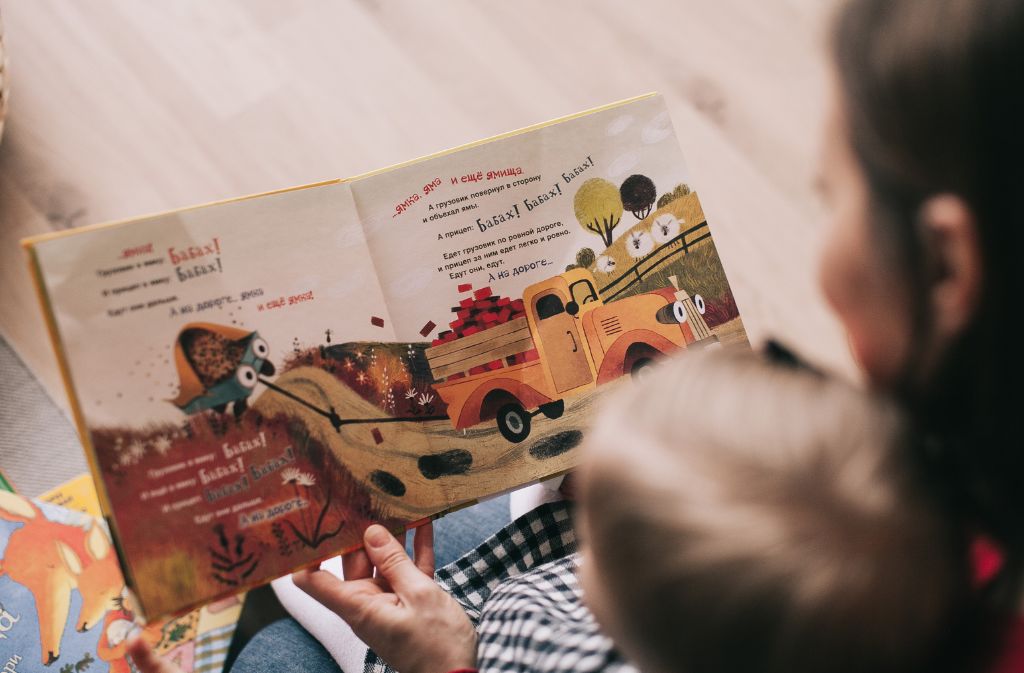
I wrote my first children’s storybook for my niece’s fifth birthday. I had the story figured out months in advance — a small girl who befriends a tired old lighthouse — and I genuinely thought the writing would be the hard part. It turned out the writing took me a weekend. The pictures took me almost a year of false starts.
If you have ever tried to make a picture book for a kid in your life, you already know exactly what I mean. The text is the easy half. The pictures are where most people quietly give up. What finally got me over that wall was an AI image tool I had been dismissing for months, and I want to walk through exactly how that played out, because I think a lot of people are sitting on stories they assume they cannot illustrate.
The Illustration Wall Most Aspiring Authors Hit
Children’s books live and die on their illustrations. A four-year-old will sit through bad rhymes if the pictures are warm and inviting. They will close the book in ten seconds if the pictures look stiff or boring, no matter how clever your story is. That puts everyone who isn’t a trained illustrator in a difficult spot.
Hiring an illustrator runs anywhere from two to ten thousand dollars for a thirty-two-page picture book, depending on style and experience. That number alone ends most projects. Even if you can afford it, you are also signing up for a six to nine month timeline, multiple rounds of revision, and a creative collaboration where the final look may not match what you saw in your head.
The other option used to be teaching yourself to draw. I tried this. I bought watercolor pads, I watched hours of YouTube, I practiced for three months, and the lighthouse I produced looked like it had been drawn by someone who had never seen a lighthouse, or possibly water. I shelved the project for almost a year.
What Changed When I Tried Nano Banana
When I came back to the project, AI image generation had gone through several quiet upgrades. I had heard about Nano Banana from a friend who had been using it for product photography, and she mentioned offhand that it was surprisingly good at keeping characters looking the same across multiple scenes. That last part is what stopped me.
For a storybook, character consistency is the whole game. Your protagonist needs to look like the same little girl on page one as she does on page twenty-eight, even though she might be standing on a beach in one panel and sitting in a lighthouse kitchen in the next. Most earlier AI tools could give you a beautiful single image but would draw a completely different child the moment you asked for a new scene. That made them useless for picture books.
So I tested it. I described the main character — a girl about six years old, dark curly hair, a yellow raincoat, freckles, slightly gap-toothed. I generated one base image of her standing on a dock. Then I asked Nano Banana for the same girl, same outfit, climbing the spiral stairs of a lighthouse. Then sitting at a small kitchen table with the old lighthouse keeper. Then asleep on a window seat with a book on her chest.
She was the same kid in every picture. Same face shape, same hair, same yellow coat, same gap-toothed smile. That was the moment the project came back to life.
Establishing Your Style Before You Generate Anything
The mistake I almost made was jumping straight into scene generation before settling on a visual style. The result of that approach is a book where page one looks like a watercolor, page seven looks like a digital cartoon, and page twelve looks like a 3D render. Each page individually might be pretty. Together they read as chaos.
What I learned to do instead is write a short style description and reuse it in every prompt. Mine read something like: soft watercolor illustration, warm muted palette, gentle pencil outlines, slightly textured paper background, evening light, cozy storybook tone. That description got pasted into every single scene I generated. The result was thirty-two pages that felt like they came from the same illustrator, even though no human illustrator had ever touched them.
This is where Nano Banana earned its place in my workflow rather than just being a fun tool to play with. The ability to generate dozens of images that all share a consistent style, a consistent character, and a consistent world is what separates “AI image generator” from “actual illustration partner.”
The Iterative Editing That Saved Me Hours
Storybook illustrations almost never come out right on the first try. Even with a paid illustrator, you go back and forth on small things — the kid’s expression in one panel needs to be more curious and less worried, the lighthouse should be slightly taller, the cat in the corner should be sleeping instead of standing.
The thing I did not expect about working with Nano Banana was how conversational the editing process feels. I could take a finished scene and just describe the small adjustment I wanted. Make her expression a little more delighted. Make the sky behind her shift from gray to early sunset. Add a small seagull on the railing. Each of those changes happened without redrawing the whole image from scratch, which meant her face and her coat and the lighthouse all stayed exactly the same — only the thing I asked about changed.
That iterative back-and-forth is what made the book finishable. With a human illustrator, asking for ten small tweaks across twenty-eight pages would be an awkward and expensive conversation. With this kind of editing, it was just another half hour of work in the same afternoon.
My Actual Page-by-Page Process
Once I had the character locked in and the style locked in, the rest of the workflow looked roughly the same for every page. I would write out the scene I needed in plain language, the way I would describe it to a friend. The girl is sitting cross-legged on a wooden floor surrounded by old maps. The lighthouse keeper is leaning in a doorway holding two mugs of cocoa. The light is golden and coming from a single window on the left.
That description went in along with my style notes and the character reference. The first generation gave me something close, usually about seventy percent of the way there. Then I would adjust — her posture, the angle of the maps, the keeper’s expression — until the page felt right. Most pages landed in three to five rounds.
A few pages took longer. The hardest one was a wide spread of the lighthouse at night during a storm, with the girl watching from inside. That one took maybe fifteen rounds, mostly because I was particular about how the rain looked against the warm interior light. But fifteen rounds of Nano Banana editing is still a single evening, not a single week.
What You Cannot Outsource Even With AI
I want to push back, gently, on the idea that AI makes children’s books a one-click project. It does not. Writing for kids is its own craft. Pacing, rhythm, the way a sentence sounds when read aloud at bedtime — none of that is solved by image tools. If your story is not good, beautiful pictures will not save it.
You also have to actually direct the illustrations. Telling Nano Banana to “make a children’s book illustration” gives you a generic result. Telling it the exact emotion on the character’s face, the exact lighting, the exact composition, and the exact mood is what produces a page that feels intentional. The AI is doing the drawing. You are doing the directing, and directing turns out to be its own real skill.
There is also the matter of layout. A children’s book is not just a stack of pictures. The text has to flow with the images, the page turns have to land at the right narrative beats, and the typography has to feel like part of the world. Nano Banana handles the illustrations. You still have to assemble the book, and tools like Affinity Publisher, Canva, or even a careful InDesign template will do the heavy lifting there.
The Birthday Reveal
I finished the book about two weeks before my niece’s birthday. I had it printed through a print-on-demand service, hardcover, with the kind of glossy dust jacket that real picture books have. When I gave it to her, she sat on the floor and read it cover to cover with her mom three times in a row. She asked who drew the pictures. I told her I drew them with a little help from a computer that listened to my ideas. She accepted this answer without follow-up questions, which is the only honest thing a five-year-old can do.
The book exists now. It sits on her shelf. A year ago I had a draft of a story and a folder of failed watercolor attempts, and the project was effectively dead. The illustrations were never going to happen the old way. They happened the new way, with Nano Banana doing the drawing while I did the directing, and the result is something she will probably keep for the rest of her childhood.
If you have a story you have been carrying around for a kid in your life, the wall you have been hitting is probably not the writing. It is almost certainly the pictures. That wall is shorter now than it has ever been, and getting over it does not require learning to draw or hiring anyone. It just requires a Saturday and a willingness to direct.
For more, visit Pure Magazine