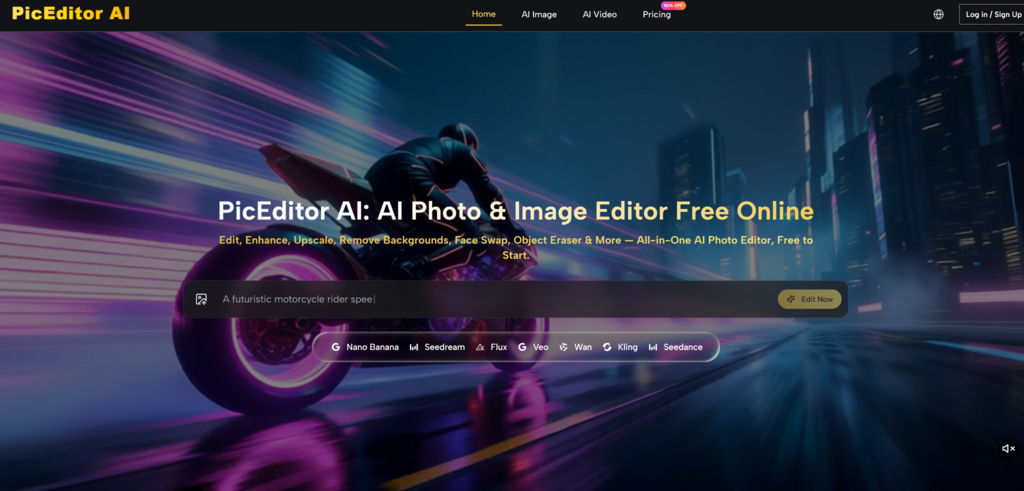
The race to build the most capable AI image editor has never been more intense. Over the past eighteen months, we have watched text‑to‑image models evolve from novelty generators into genuine production tools. But the real breakthrough is not just about generating new pictures—it is about editing existing ones with the same fluidity as writing a sentence. That is precisely the promise of AI Photo Editor, a browser‑based platform that wraps multiple frontier models into a single, unusually intuitive interface. Instead of juggling tabs for inpainting, upscaling, and style transfer, this tool asks you to upload a photo, pick a direction, and describe what you want. The results, in my testing, often land closer to a professional retoucher than a typical AI demo.
What makes this moment interesting is the convergence of several forces. OpenAI has pushed text rendering and instruction following to new levels, while specialised image engines have become dramatically better at preserving subject identity and handling complex lighting. At the same time, video generation has crept into the photo editing workflow, blurring the line between stills and motion. PicEditor AI sits at that intersection, offering a single entry point to models like GPT Image 2, Nano Banana 2, Seedream 5.0 Pro, Flux Kontext, and Veo—all without requiring you to learn each system’s quirks. That aggregation alone is valuable, but the real question is whether it actually improves the editing experience. Over several days of testing across different creative scenarios, I put the platform through a range of real‑world tasks to see where it excels, where it stumbles, and who might find it genuinely useful.
A Quick Tour of the Editing Workflow
Before diving into specific tests, it helps to understand how the platform is structured. The homepage presents a clean upload area, a row of quick‑edit shortcuts, and a text box that invites you to describe your desired change. There is no mandatory account creation, no complex dashboard to navigate, and no hidden paywall for basic edits. You simply drop an image, choose whether you want to remove a background, erase an object, enhance resolution, apply a style, or generate a video, and then type your instructions. The system processes the request and returns the edited result within seconds for most tasks.
This simplicity is deliberate. The platform does not expose model names or parameter sliders by default, though power users can infer which engine is handling their task based on the type of edit. For example, background removal and object erasure lean on different underlying models than style transfer or video generation. The philosophy seems to be: let the user focus on what they want, and let the platform figure out which tool is best suited for the job. That approach reduces friction considerably, though it also means you have less control over which specific model is used for a given edit—a trade‑off that will appeal to some and frustrate others.
Testing the Core Editing Capabilities
To evaluate the platform honestly, I ran a series of tests that mirror common creative workflows: product photo cleanup, portrait retouching, style experimentation, and video generation from a still image. Each test revealed different strengths and limitations.
Object Removal and Background Replacement
The first test involved a cluttered outdoor shot of a café table with a coffee cup, a pastry, and a distracting trash bin in the background. I uploaded the image, selected the erase tool, and typed “remove the trash bin and replace the background with a quiet garden.” The result was surprisingly cohesive. The AI not only erased the bin without leaving artifacts but also generated a garden backdrop that matched the original lighting and depth of field reasonably well. The cup and pastry remained sharp, and the transition between the foreground and the new background felt natural rather than pasted‑on.
Where this feature truly shines is in its ability to handle complex edges. Hair, foliage, and reflective surfaces often trip up simpler tools, but the models behind PicEditor AI appear to handle these cases with above‑average competence. In a second test, I asked the system to remove a person from a group photo and fill the gap with the background wall. The result was not flawless—there was a slight smudge where the shoulder had been—but it was good enough for social media use without additional touch‑ups. For e‑commerce sellers who need to clean up product shots quickly, this level of quality could save hours of manual masking.
Portrait Retouching and Enhancement
Portrait work is where many AI editors either impress or disappoint. I tested the enhancement tool on a low‑light indoor portrait with visible noise and soft focus. The AI boosted clarity, reduced grain, and added a subtle sharpness to the eyes and hair without making the skin look plasticky. The difference was noticeable but not overbearing—a balance that suggests the model understands the difference between enhancement and over‑processing.
However, the results are not always consistent. On a second portrait with strong backlighting, the enhancement produced slightly unnatural highlights on the cheekbones. This is a common challenge for AI retouching tools, and it serves as a reminder that the quality of the output depends heavily on the input image. Well‑lit, high‑resolution photos yield dramatically better results than low‑quality smartphone snaps. The platform does not claim to work miracles on every image, and my experience confirms that garbage in, garbage out remains a relevant rule.
Style Transfer and Artistic Transformation
The style transfer feature is where the platform feels most playful. I uploaded a standard landscape photo and applied a “cyber‑glitch” preset, which fragmented the image into digital pixels and crystalline shards, similar to the examples shown on the site. The effect was dramatic and visually arresting, though it clearly prioritised artistic expression over photorealism. For social media content, album art, or mood boards, this kind of transformation adds immediate visual interest.
What impressed me more was the ability to combine style transfer with specific instructions. I asked the system to turn a portrait into a “digital painting with vibrant green and white tones, highly detailed fur texture” for a pet photo. The result captured the essence of the request, though the fur texture was more stylised than photorealistic. The platform seems better suited for expressive, illustrative styles than for achieving hyper‑realistic painterly effects, which typically require more specialised models.
Photo‑to‑Video Generation
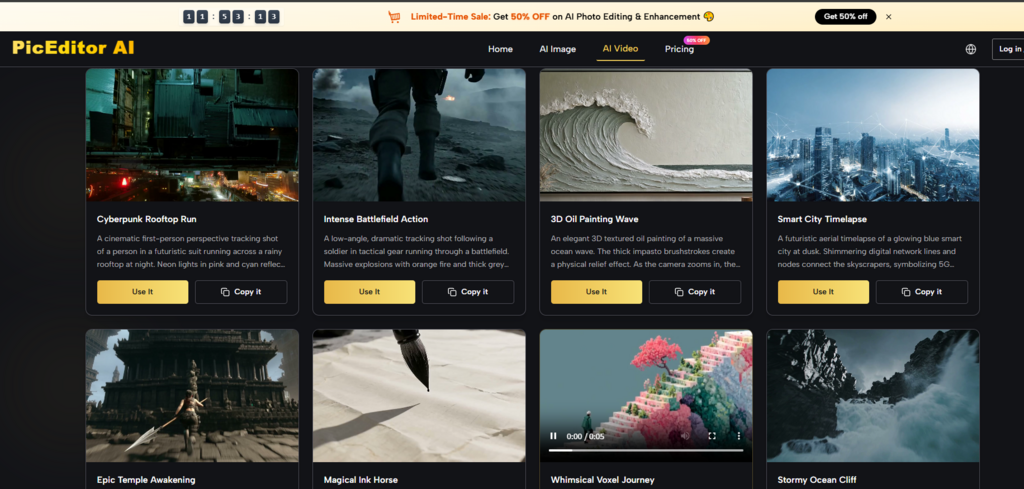
One of the more unusual features is the ability to animate still images into short video clips. I tested this with a static product shot, asking the AI to add a slow camera pan and subtle motion in the background. The resulting video was short—a few seconds—but the motion was smooth and the subject remained stable. This is not a replacement for full‑fledged video editing software, but for creating quick social media assets or website hero animations, it offers a compelling shortcut.
The quality of the video output appears to vary depending on the complexity of the scene. Simple compositions with clear foreground‑background separation perform best, while crowded images with multiple subjects can produce motion that feels erratic. In my testing, the video feature worked reliably for straightforward requests but struggled with more ambitious prompts involving multiple moving elements. It is a useful addition to the toolkit, but it should be seen as a supplementary feature rather than a primary reason to choose the platform.
Step‑by‑Step: How the Editing Process Actually Works
The platform’s real‑world usability comes down to a remarkably short sequence of steps. Unlike traditional editors that require layers, masks, and adjustment panels, this tool condenses the entire workflow into a few deliberate actions.
Step 1: Upload Your Image
The Entry Point Is Refreshingly Uncluttered
The upload area is the first thing you see when you land on the page. You can drag and drop a file or click to browse your device. The interface supports common formats like JPEG, PNG, and WebP, and there is no noticeable file size restriction for basic edits. Once the image loads, it appears in a preview window with a set of tool icons arranged along the side. This is where you choose your editing direction.
No Account Required for Quick Tests
One detail that stood out is the absence of a mandatory login for basic functionality. You can upload, edit, and download results without creating an account, which lowers the barrier to entry considerably. For users who just need a quick edit on a single image, this friction‑free approach is a significant advantage. The platform does offer premium plans for higher volume and faster processing, but the free tier is not a teaser—it genuinely works for straightforward tasks.
Step 2: Select Your Edit Type
A Clear Set of Options Covers Most Common Needs
The tool icons include background removal, object erasure, image enhancement, style transfer, and video generation. Each option triggers a specific set of models optimised for that task. There is also a general “describe your edit” field that accepts free‑form text, which I found to be the most flexible and powerful approach. Instead of selecting a preset, you can type something like “make the sky more dramatic and add a warm sunset glow” and let the AI interpret the request.
The Text Prompt Is the Real Control Lever
The quality of the output correlates strongly with the clarity of the prompt. Vague instructions produce mediocre results, while specific, descriptive prompts yield surprisingly accurate edits. For example, “remove the red car on the left and fill with the same pavement texture” worked far better than simply “remove car.” This is not a flaw—it is a reflection of how modern AI models operate. The platform does not hide this reality; it encourages users to be as descriptive as possible.
Step 3: Review and Refine
Results Appear in Seconds, but Iteration Is Encouraged
Most edits complete within a few seconds, which keeps the creative flow intact. The edited image appears alongside the original, allowing for side‑by‑side comparison. If the result is not quite right, you can tweak the prompt and regenerate. This iterative process is fast enough that you can explore multiple variations without feeling like you are wasting time.
Download or Continue Editing
Once you are satisfied, you can download the result directly. There is no watermark on the free tier for basic edits, which is a pleasant surprise. For more complex tasks or higher resolution outputs, the platform may prompt you to upgrade, but the core editing experience remains accessible without payment.
A Candid Look at Limitations
No AI tool is perfect, and PicEditor AI is no exception. In my testing, several limitations became apparent that potential users should consider.
First, the quality of the output is heavily dependent on the input image. Low‑resolution or heavily compressed photos often produce softer results, and the AI cannot invent detail that was never there. For professional work, starting with the highest possible quality source image is essential.
Second, complex edits involving multiple objects or intricate backgrounds may require multiple generations to get right. The AI does not always understand the full context of a scene, and it can occasionally misinterpret ambiguous prompts. This is not unique to this platform—it is a characteristic of the underlying models—but it is worth acknowledging.
Third, the video generation feature is still evolving. While it produces impressive results for simple animations, longer or more complex sequences may exhibit inconsistencies. The platform is transparent about this; the feature is positioned as a creative enhancement rather than a professional video production tool.
Fourth, the free tier, while generous, does have limits on concurrent generations and processing priority. For occasional use, these limits are unlikely to be an issue, but heavy users will likely find value in the paid plans.
Finally, the platform does not offer granular control over model selection or parameter tuning. For users who want to tweak every aspect of the generation process, this lack of control may feel restrictive. However, for the vast majority of users who simply want a great result without the technical overhead, this design choice is a strength rather than a weakness.
How It Compares to Traditional Editing Workflows
To put the platform’s approach in perspective, it helps to compare it against conventional photo editing software and other AI‑powered alternatives. The following table summarises the key differences based on my hands‑on experience.
| Aspect | PicEditor AI | Traditional Software (e.g., Photoshop) | Other AI Editors |
| Learning Curve | Very shallow; describe what you want | Steep; requires training and practice | Varies widely; some are equally simple |
| Editing Speed | Seconds per edit | Minutes to hours for complex tasks | Generally fast, but quality varies |
| Creative Control | High‑level direction; limited fine‑tuning | Granular control over every pixel | Usually similar to PicEditor AI |
| Best Use Case | Quick edits, ideation, social media content | Professional retouching, print production | Depends on the specific tool |
| Consistency | Good for straightforward tasks; may vary for complex scenes | Highly consistent once mastered | Inconsistent across different models |
| Cost | Free tier available; paid plans for volume | High upfront cost or subscription | Often subscription‑based |
This comparison highlights the platform’s core value proposition: it trades some control for speed and accessibility. For professionals who need pixel‑perfect precision, traditional software remains indispensable. But for everyone else—content creators, small business owners, marketers, and casual users—the AI‑first approach offers a more practical path to high‑quality visuals.
Who Benefits Most from This Approach
Based on my testing, the platform is best suited for three groups of users.
Content creators and social media managers will appreciate the ability to generate multiple variations of an image in minutes rather than hours. The style transfer and enhancement features are particularly useful for maintaining a consistent visual aesthetic across posts.
E‑commerce sellers can leverage the background removal and object erasure tools to clean up product photos without hiring a designer. The speed of the editing process means that even large product catalogs can be processed efficiently.
Casual users who want to improve personal photos without learning complex software will find the interface approachable and the results satisfying. The platform does not require any prior editing experience, and the natural language prompts make the process feel intuitive.
The Verdict: A Practical Tool for Real‑World Creativity
After spending considerable time with the platform, I came away with a respect for its pragmatic design. It does not pretend to replace professional editing suites, nor does it oversell its capabilities. Instead, it offers a genuinely useful set of AI‑powered tools that address common editing needs with remarkable efficiency.
The integration of multiple models under one roof is not just a marketing point—it makes a tangible difference in the quality and variety of outputs. Whether you are removing a distracting element from a photo, transforming a landscape into a cyber‑glitch artwork, or animating a still image into a short video, the platform provides a reliable path from idea to result.
Of course, the results are not always perfect. Prompt quality matters, complex scenes may require iteration, and video generation is still finding its footing. But these limitations are outweighed by the platform’s accessibility, speed, and the sheer range of creative possibilities it unlocks.
For anyone who has ever stared at a photo and wished they could simply tell a computer what to change, AI Photo Edit delivers on that promise more consistently than most. It is not the final word in AI image editing—that frontier is still being written—but it is a confident, capable step in the right direction.
For more, visit Pure Magazine