


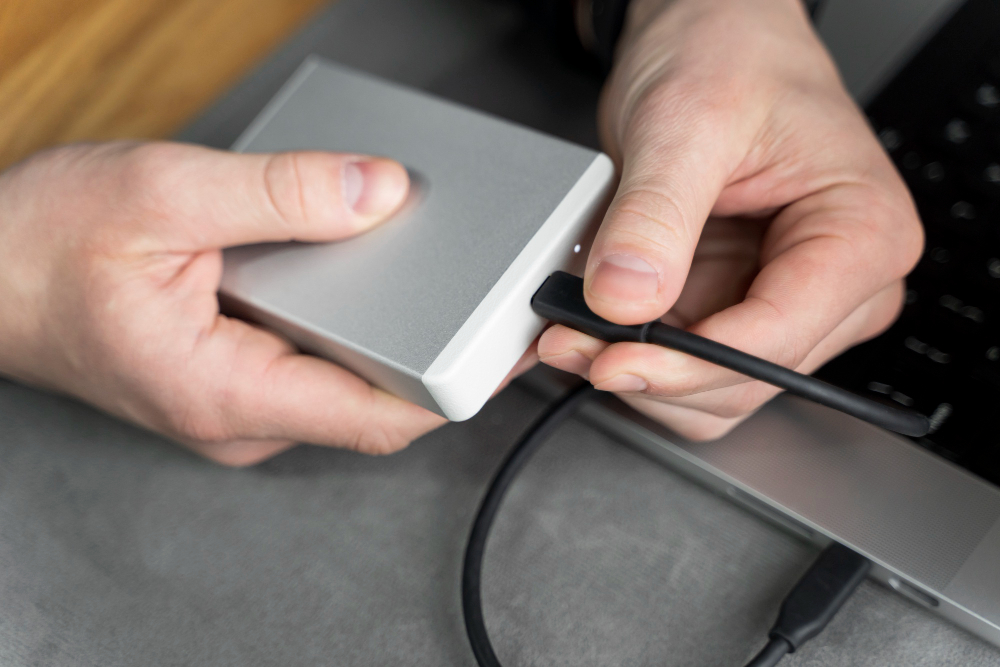
If you’ve ever struggled with tangled cables or a worn-out charging port, switching to wireless charging can feel like a breath of fresh air. For iPhone users, a MagSafe wireless charger offers a simple, cable-free way to keep devices powered while maintaining a clean desk or nightstand. At the same time, pairing it with a USB-C charger or a power bank ensures you always have a reliable power source on the go.
Why Wireless Charging Is Becoming the New Everyday Standard
Wireless charging has evolved from a novelty into a daily convenience for millions of iPhone users. As people seek more organized workspaces and simpler charging habits, a wireless charger for iPhone is quickly becoming the go-to solution. Understanding its benefits can help you see why so many users are making the switch.
Wireless charging has evolved from a novelty into a daily convenience for millions of iPhone users. As people seek more organized workspaces and simpler charging habits, a wireless charger for iPhone is quickly becoming the go-to solution. Understanding its benefits can help you see why so many users are making the switch.
A More Convenient, Cable-Free Experience
With a MagSafe wireless charger, you can simply place your iPhone on the pad or stand and start charging instantly. No more fumbling with cables or worrying about wear and tear on the charging port.
Reduced Wear on Your iPhone’s Charging Port
Repeatedly plugging in a USB-C charger can slowly damage the iPhone’s Lightning port over time. Wireless charging eliminates this stress, keeping your device in better condition and helping it last longer.
How a Wireless Charger for iPhone Actually Works
Even though wireless charging feels effortless, the technology behind it is sophisticated. Knowing the basics can help users choose the right charger and understand why charging performance may vary.
The Role of Qi and Magnetic Alignment
Most iPhones use the Qi standard, and MagSafe adds a magnetic alignment system that snaps your phone into the ideal position. A MagSafe wireless charger ensures consistent power transfer and reduces energy loss caused by misalignment.
Power Output and Charging Efficiency Explained
Wireless charging typically ranges from 7.5W to 15W, depending on the charger and the iPhone model. Alignment, heat, and case thickness can all affect charging efficiency. For fast wired charging, a USB-C charger can deliver up to 20–27W, while a power bank can provide portable wired or even wireless charging depending on its design.
Is Wireless Charging as Fast as Wired Charging?
When comparing speeds, a USB-C charger generally outpaces wireless chargers, especially during rapid top-ups. A MagSafe wireless charger, while convenient, usually charges more slowly than a high-powered wired setup. However, wireless charging is often fast enough for daily routines, such as overnight charging, desk-top charging, or quick top-ups between meetings.
Benefits of Using a Wireless Charger for iPhone Daily
Once integrated into daily life, wireless charging provides several advantages that go beyond speed. Using a MagSafe wireless charger helps create a more convenient and organized charging routine.
Effortless “Drop and Go” Charging Habits
Placing your iPhone on the charging pad whenever you sit down ensures your battery stays topped up without thinking about cables or timing.
Safer, Controlled Power Delivery
Wireless chargers regulate current and heat automatically, helping preserve long-term battery health compared to repeated high-speed wired cycles.
Compatibility With Accessories and Portable Options
A MagSafe wireless charger works seamlessly with compatible cases and stands. Many modern power bank designs even include wireless charging, allowing you to recharge your iPhone anywhere without a wall outlet.
How to Choose the Right Wireless Charger for iPhone
Selecting a wireless charger depends on how you plan to use it. A flat pad is great for bedside use, while a stand keeps your phone upright for easy notifications. Ensure your charger is Qi or MagSafe certified for safe and efficient charging. For travel, consider pairing it with a power bank or a high-speed USB-C charger to maintain flexibility and portability.
Common Myths About Wireless Charger for iPhone
Despite growing popularity, wireless charging is often misunderstood. Knowing the facts helps users feel confident in adopting the technology.
“Wireless Charging Damages the Battery”
Modern iPhones include advanced thermal and power management systems. A certified MagSafe wireless charger is just as safe as a standard USB-C charger.
“You Can’t Use Your Phone While Charging”
Stand-style wireless chargers allow full access to your phone during charging. You can answer calls, check notifications, or even watch videos while your device charges wirelessly.
Final Thoughts
Switching to wireless charging doesn’t mean abandoning all cables. A MagSafe wireless charger can make daily charging more convenient, while a USB-C charger ensures fast wired charging when needed. For on-the-go power, a power bank complements your setup perfectly. Together, these solutions let iPhone users enjoy the best of both worlds: convenience, speed, and portability without the clutter of cables.
For more, visit Pure Magazine